CRM User Settings
이 페이지는 아직 한국어 언어로 제공되지 않습니다. 기본 언어(English)로 표시합니다.
CRM User Settings
CRM User Settings lets you manage CRM users and the role hierarchy in your organization. There are two main tabs: CRM User and Role Hierarchy.
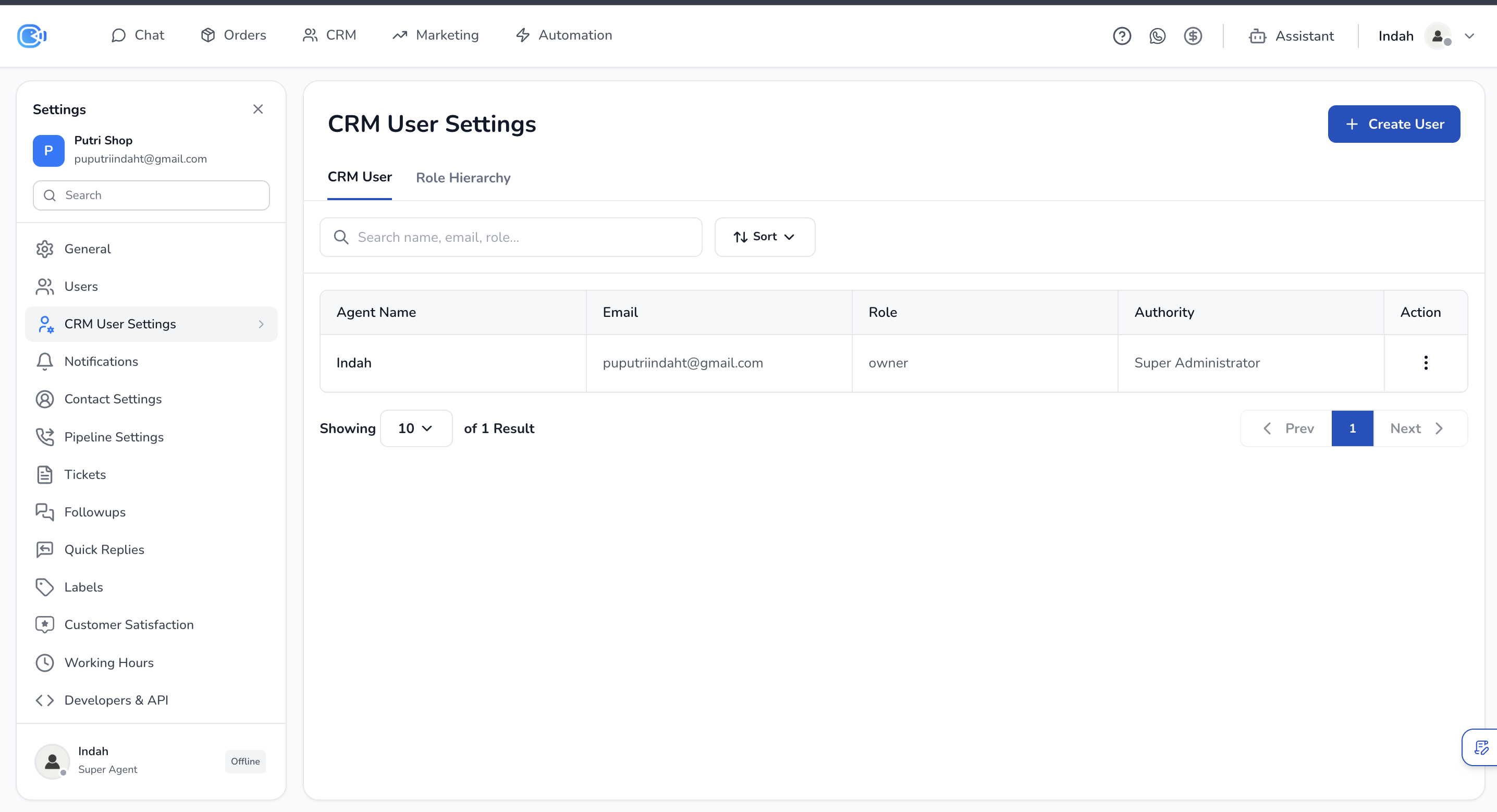
CRM User
This page shows a list of all CRM users along with each one’s email, role, and authority.
Adding a New User
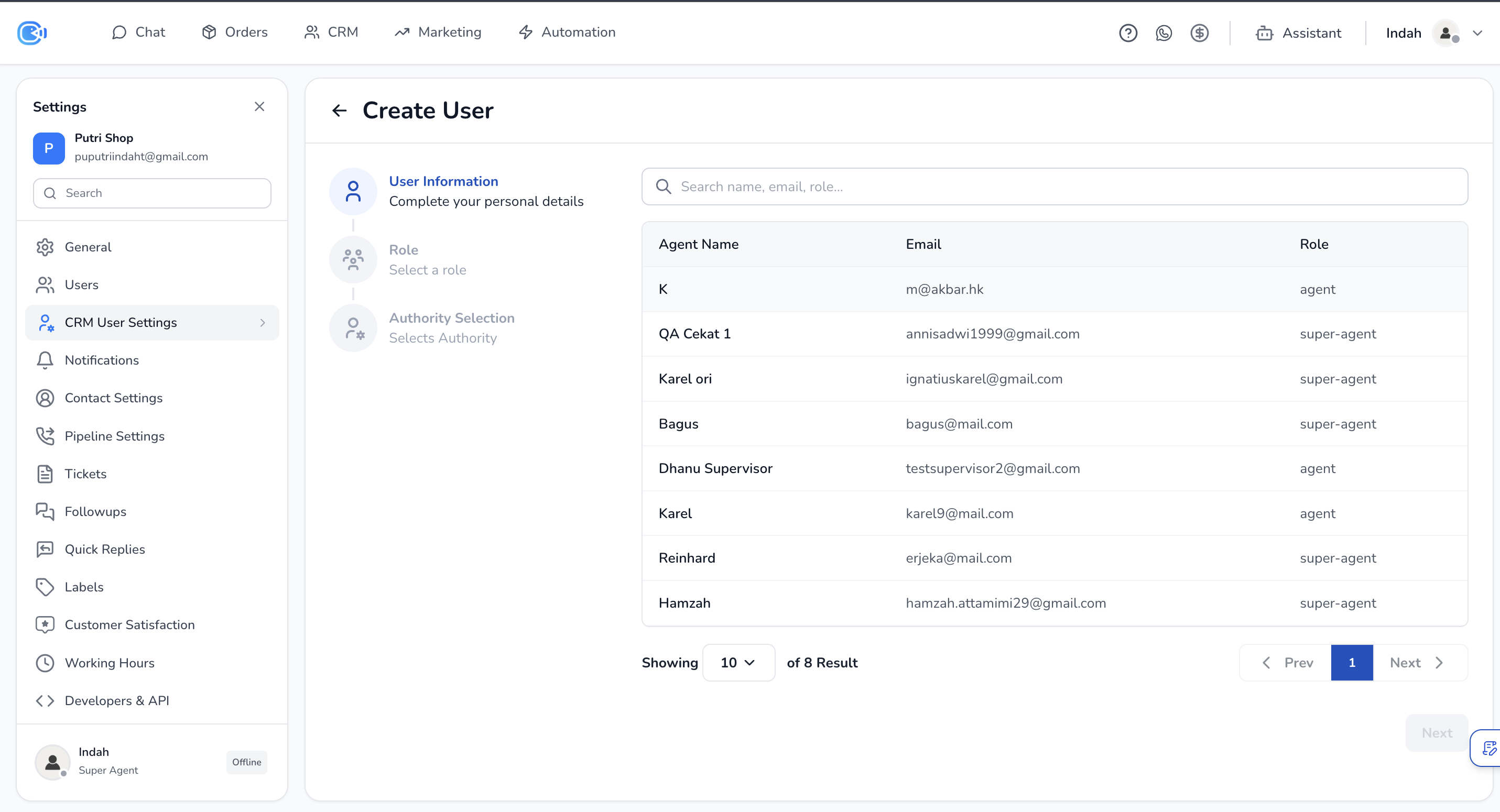
Click the + Create User button in the top right corner, then choose one of these methods:
Create New User:
Enter the name, email, and password.
Select the appropriate Role.
Select the Authority: Basic or Administrator.
Import from Chat:
Select a user from the existing list in Chat.
Select the appropriate Role.
Select the Authority: Basic or Administrator.
Authority Types
Super Administrator: Automatically given to the first user or the longest-standing super agent.
Administrator: Can edit and view, including boards they don’t own.
Basic User: Can add views, but can’t edit views that belong to others and can’t create boards.