Webhook Integration
이 페이지는 아직 한국어 언어로 제공되지 않습니다. 기본 언어(English)로 표시합니다.
Webhook Integration
The Webhook feature in Cekat AI lets you receive data in real time about user activity on the Cekat platform, such as when a new chat comes in, a conversation is resolved, or other status changes occur. With webhooks, you can connect Cekat AI to your own internal systems, such as a CRM, notification system, or company database.
How to Access Webhooks
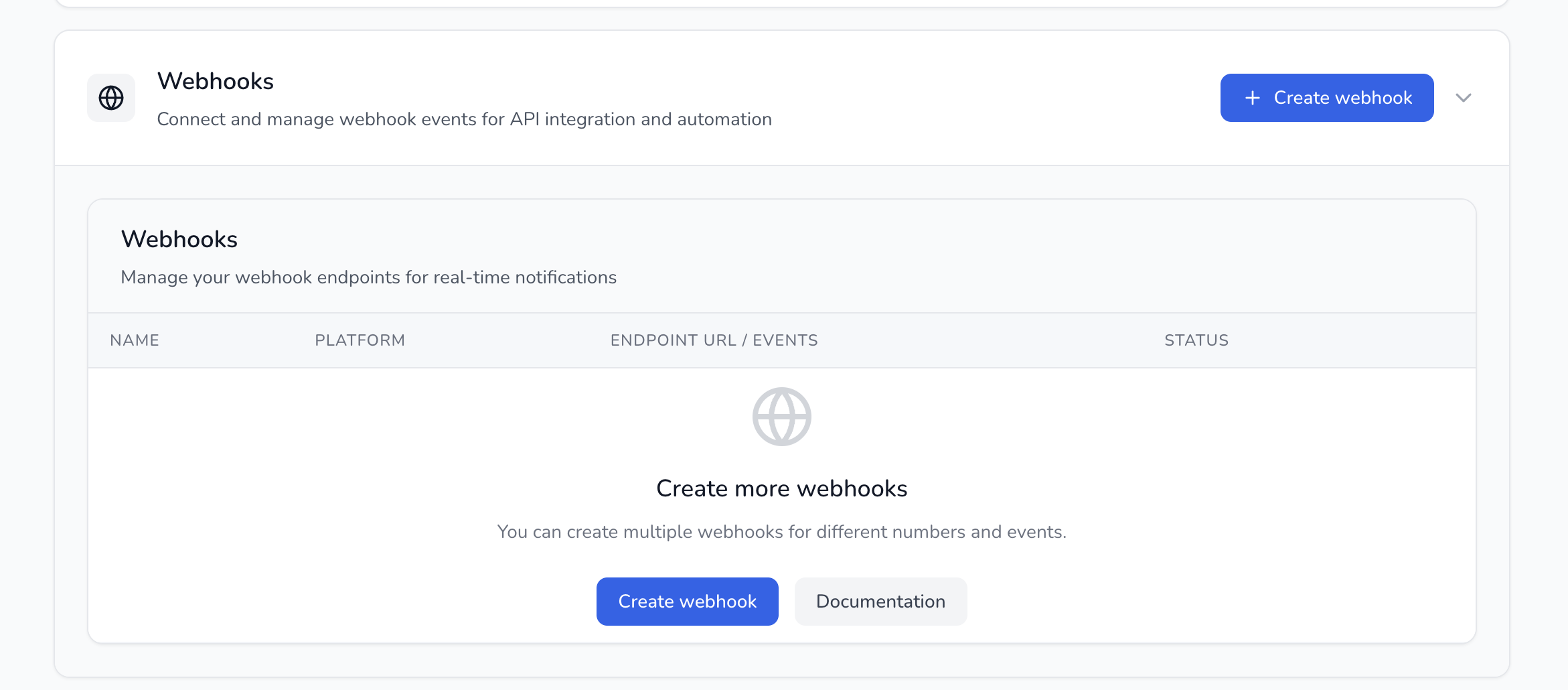
Open Developers.
Select Webhooks.
Select Create webhook to create a new webhook.
Key Features:
Custom Webhook URL
You can enter your own endpoint URL to receive data from Cekat.
Filter by Inbox
You can make a webhook active only for specific inboxes.
Example: You only want the webhook to run when a new chat comes in on the “Cekat AI Official” inbox.Select Trigger Events
Some examples of triggers you can choose:- Conversation Created → when someone new starts a chat
- Conversation Resolved → when a conversation is resolved
- Message Received / Message Sent
- Contact updated,
- and more