Setup Order
Setup Order
이 페이지는 아직 한국어 언어로 제공되지 않습니다. 기본 언어(English)로 표시합니다.
Setup Order
Orders & Payment
This feature lets you create orders in Cekat with two payment methods:
- Manual Payment: the payment does not go into your balance.
- Payment Link: uses Xendit; payments are verified automatically and you can withdraw through Cekat.
How to Set Up Orders & Payment
- Go to the Orders & Payment page in the Setting menu
- Select the Setting menu
- Go to the Orders & Payment tab
- You’ll see 3 main tabs
- Xendit Account: To set the email used for your Xendit account, as well as a bank account if you want to withdraw.
- Payment Method: enable the manual method when creating an order
- Invoice Setting: to set the business logo, name, address, and business email on the invoice
- Activate your Xendit Account to use Payment Link
- On the Xendit Account tab, click Bind Email
- Enter your email, then click Send OTP
- Check your email and enter the OTP
- Check the invitation email from Xendit
You’ll receive an email titled “Account Creation Invitation”

Click Create Account to start registering
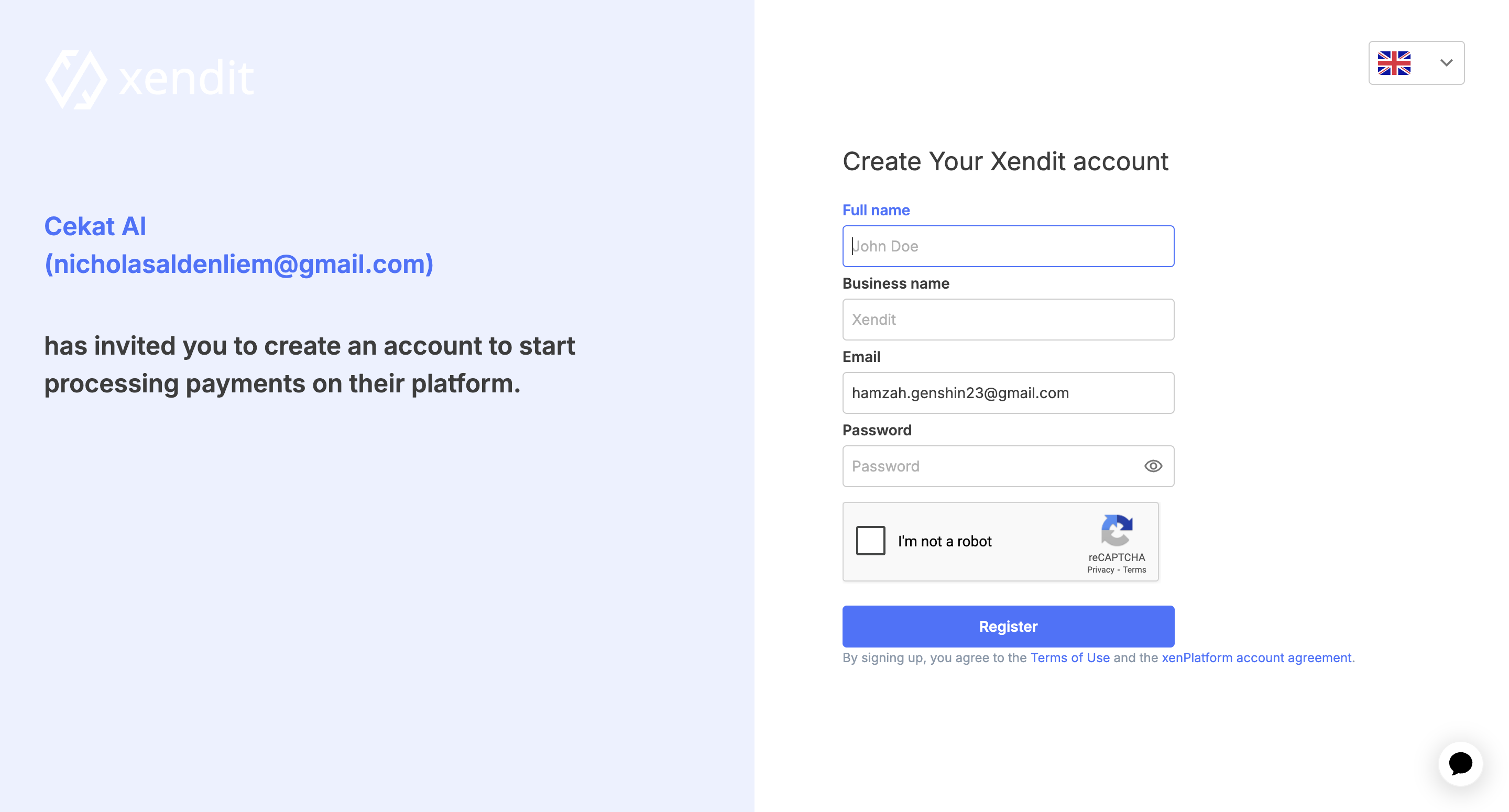
- Create your Xendit account
Fill in: name, business name, and password
Click Register, then enter the OTP sent to your email
- Fill in additional information for Xendit
Such as your business location and what you’ll use Xendit for

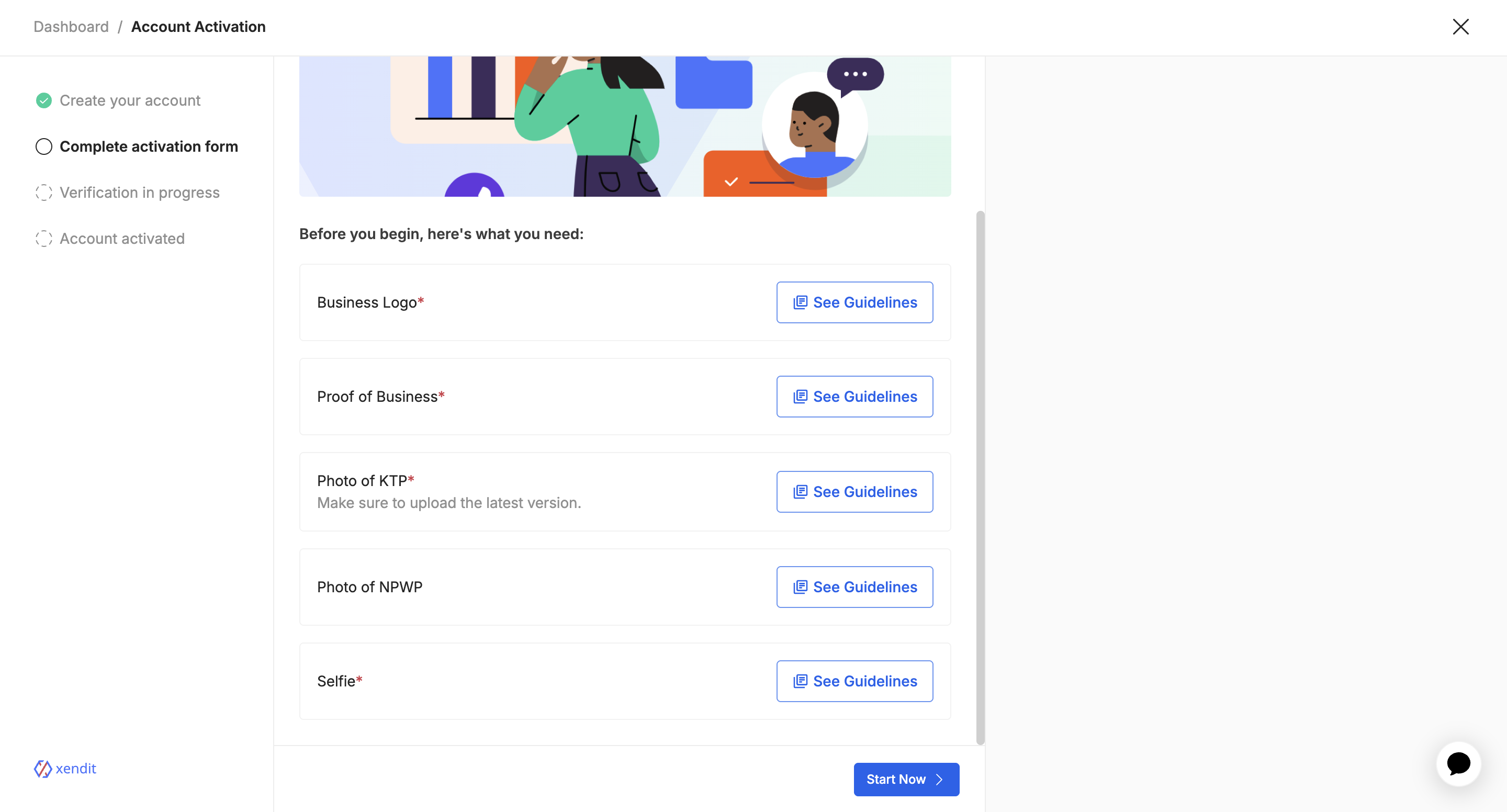
Continue to the activation form (KYC): business logo, description, ID card photo, selfie, etc.
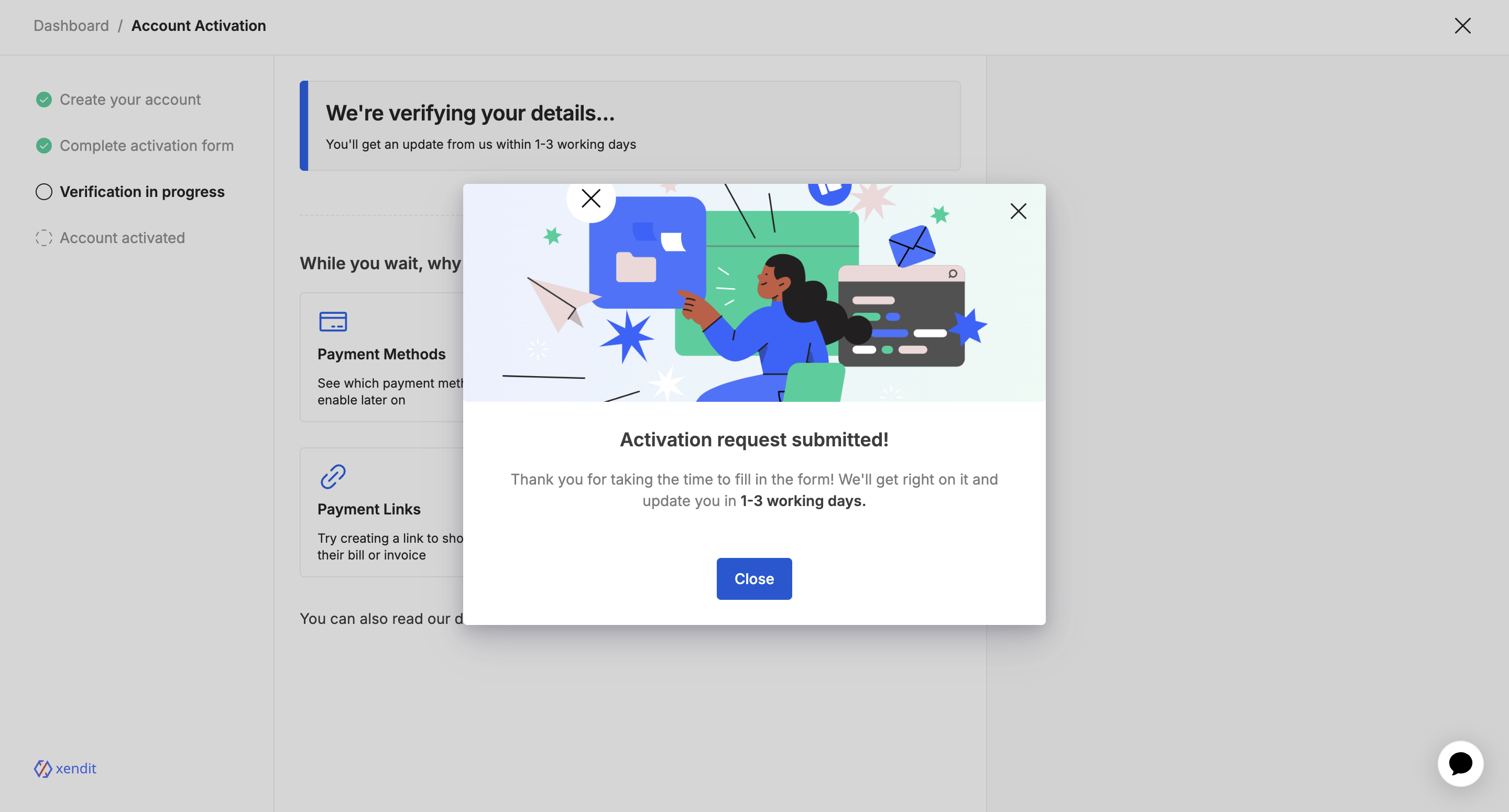
- Xendit activation takes 1–3 business days
If any data is missing, you’ll be contacted by email
Once all data is valid, you’ll receive an email saying your account has been successfully activated

- Now you can start creating orders with Payment Link
- Customer payments are verified automatically
- You can view your balance on the Order page