Language settings
Language settings
此页面暂无中文版本。显示默认语言(English)。
Language settings
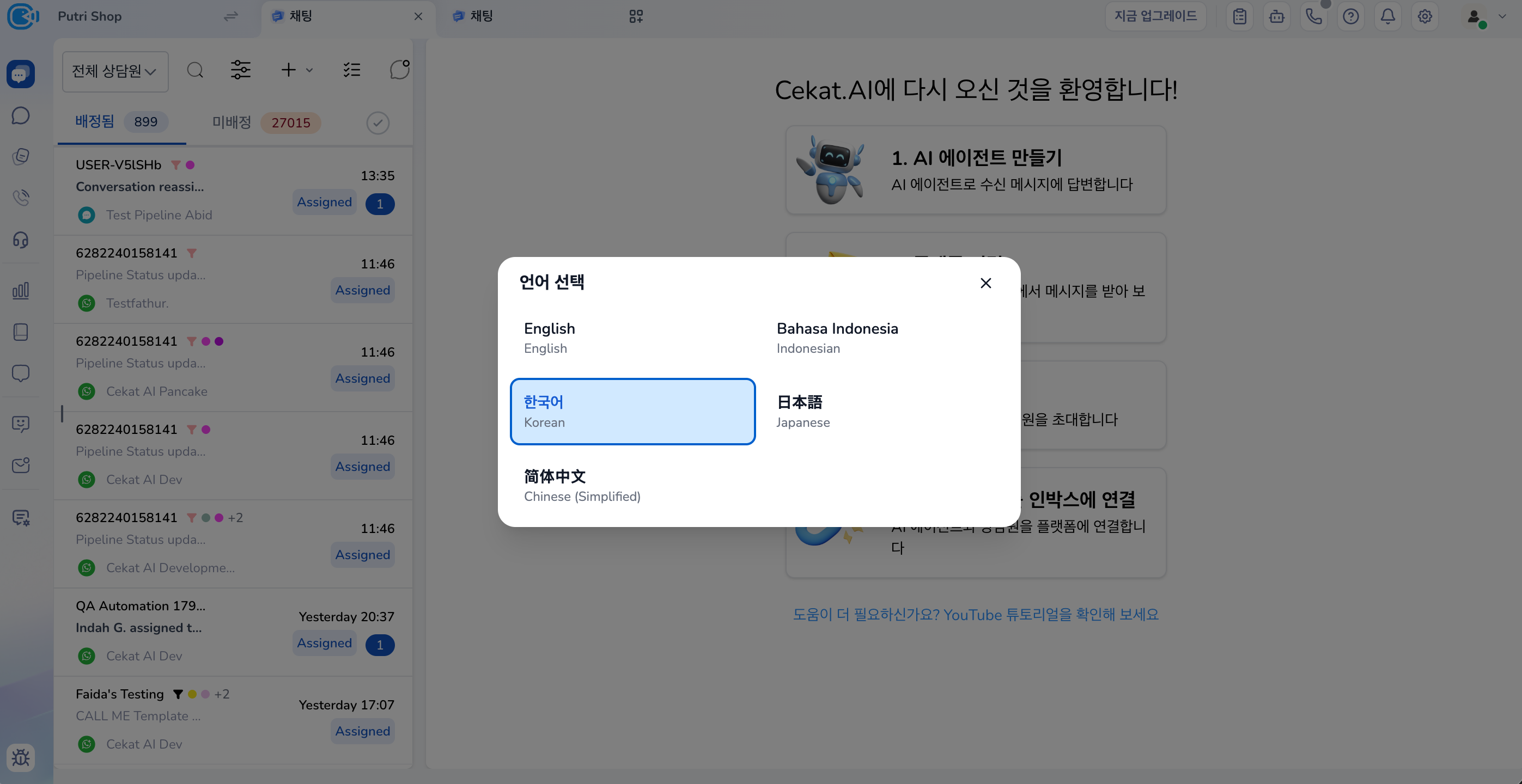
Use Cekat.AI in the language of your choice. The language selector provides the following options:
| Language | Label in the language selector |
|---|---|
| English | English |
| Indonesian | Bahasa Indonesia |
| Korean | 한국어 |
| Japanese | 日本語 |
| Simplified Chinese | 简体中文 |
Changing the language from Settings
- Click Settings on the app bar.
- Open Account.
- Open the language selector.
- Select the language you want to use.
Check that the display now uses your chosen language.
Changing the language from the app bar
- Open the account menu on the app bar.
- Open the language selector.
- Select the language you want to use.
Both methods let you change your language preference.
Your language preference
Cekat.AI saves your language preference for web and mobile sessions, so you can go back to the same language when you sign in again.
To switch back to English, open the same language selector, then select English. Language names are shown in their native script, with the English name shown below.