Webhook Integration
此页面暂无中文版本。显示默认语言(English)。
Webhook Integration
The Webhook feature in Cekat AI lets you receive data in real time about user activity on the Cekat platform, such as when a new chat comes in, a conversation is resolved, or other status changes occur. With webhooks, you can connect Cekat AI to your own internal systems, such as a CRM, notification system, or company database.
How to Access Webhooks
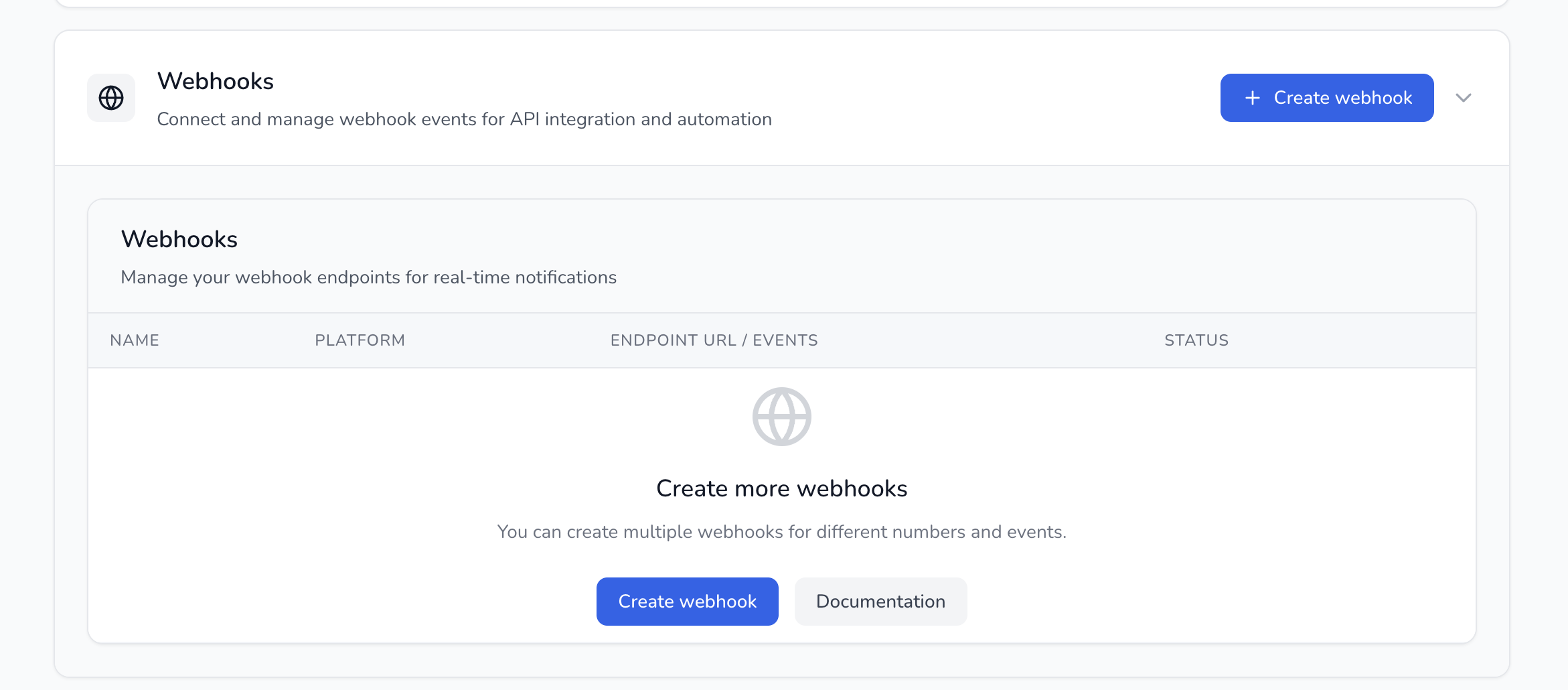
Open Developers.
Select Webhooks.
Select Create webhook to create a new webhook.
Key Features:
Custom Webhook URL
You can enter your own endpoint URL to receive data from Cekat.
Filter by Inbox
You can make a webhook active only for specific inboxes.
Example: You only want the webhook to run when a new chat comes in on the “Cekat AI Official” inbox.Select Trigger Events
Some examples of triggers you can choose:- Conversation Created → when someone new starts a chat
- Conversation Resolved → when a conversation is resolved
- Message Received / Message Sent
- Contact updated,
- and more