Call History
Call History
Call History
Call history can be accessed through the Calls tab in the sidebar. This view shows all call history by status (Incoming, Outgoing, Missed, Canceled).
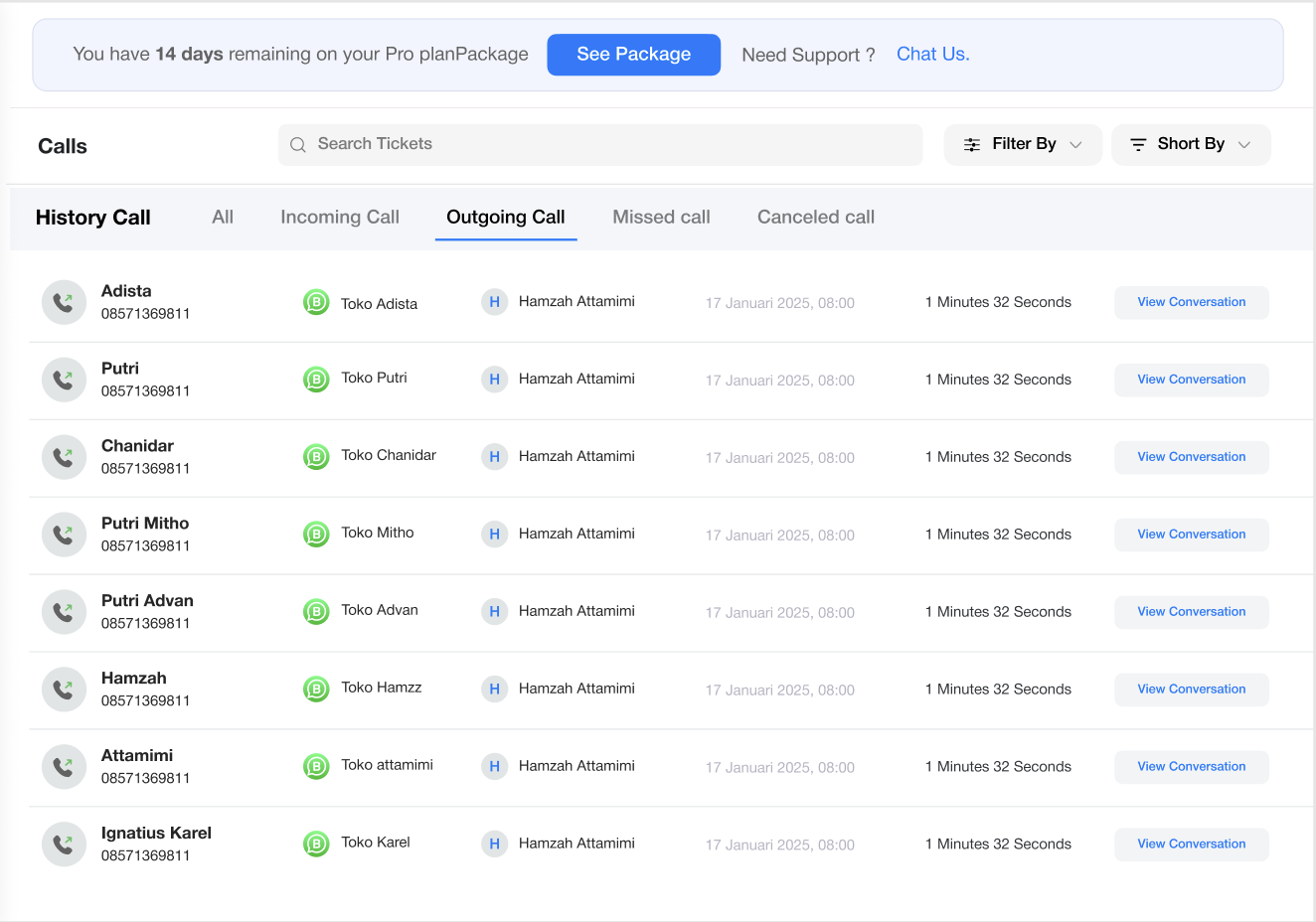
The information shown in call history includes:
- Customer name and number
- Call duration
- Call status
- Date and time
- The agent who handled the call
- Access to the View Conversation button to go to that conversation.
Call history rules:
- Agents can only see the call history of calls they handled
- Supervisors can see the call history of all agents in their team
- Super Agent has full access to all call logs in the system