Call Details
Call Details
Call Details
Call Details is a page that shows the complete information of a call that has finished over WhatsApp Voice Call. It makes it easy for agents to review the conversation, either as a text transcript or an audio recording, and it provides an automatic summary of the conversation.
1. How to Open Call Details
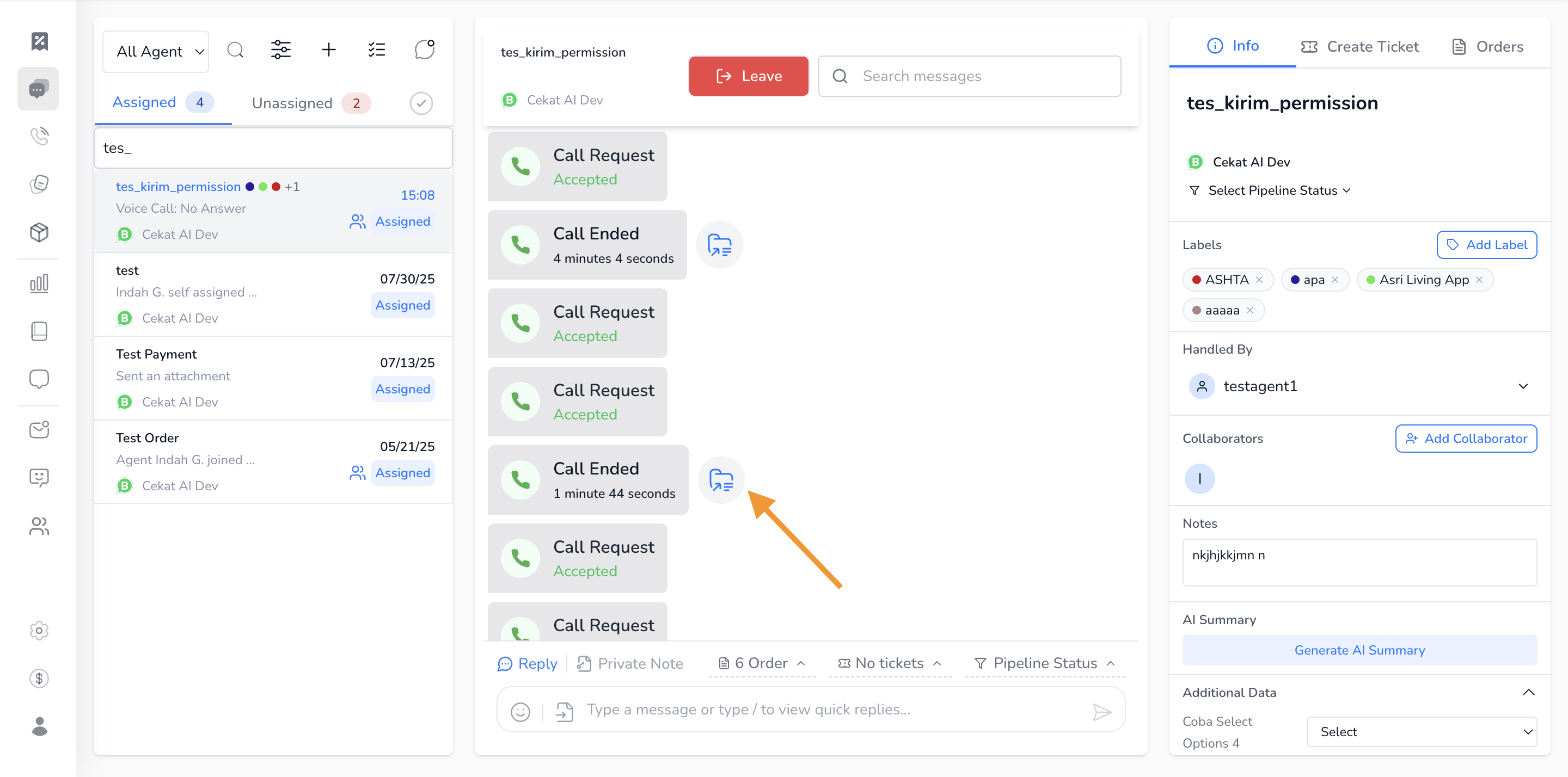
After a call ends, a “Call Ended” message appears in the chat.
Click the file icon next to that message to open the Call Details page.
2. Information Displayed

Transcript
Shows the automatic transcription of the conversation during the call.Recording
The call audio, which you can play directly on this page.Summary
A summary of the conversation, generated automatically by the system.
Download
- A button is available to download the audio recording.
- A button is available to download the conversation transcript.