Website
Website
Website
The Website feature lets the AI crawl the links you provide. You can crawl a single link (single link) or several links at once (batch link). Crawling fetches the content of website pages and uses it as training material for the AI.

1. Training from a Website
- Copy and Paste the Website Link
- Copy and paste the website URL you want to use into the Link URL field.
- Click the Collect Link Button
- After entering the link, click Collect Link to start crawling.
- View Collected Links
After you click Collect Link, a Collected Link pop-up appears showing the crawl results.

- Select Links to Train
- If you use batch link, the system will collect up to 30 links.
- You can choose which links to use for training by ticking their checkboxes.
- Add More Links (Optional)
- If you want to add more links, enter the new link in the Link URL field on the collected link page.
- Click Train
- After selecting the links you want, click Train to train the AI.
- The pop-up will close, and the trained links will appear in the list at the bottom of the page.
2. Edit and Delete Links
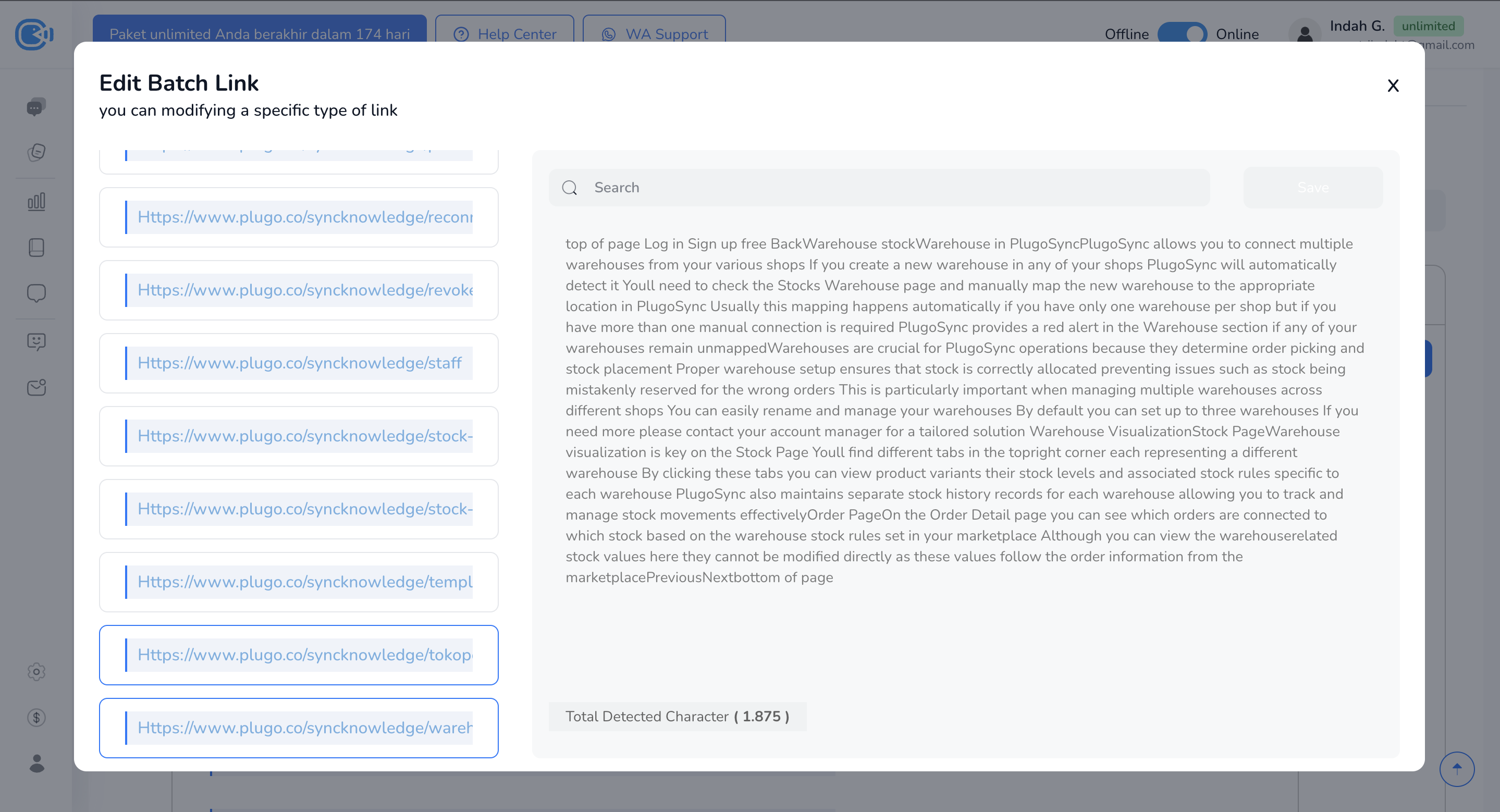
- Edit a Trained Link
To edit, click the Edit button to the right of a trained link.
An edit pop-up will open, and you can change the content of that link.
- Delete a Trained Link
Tick the checkbox of the link you want to delete.
Then click the Trash button that appears above the link list.
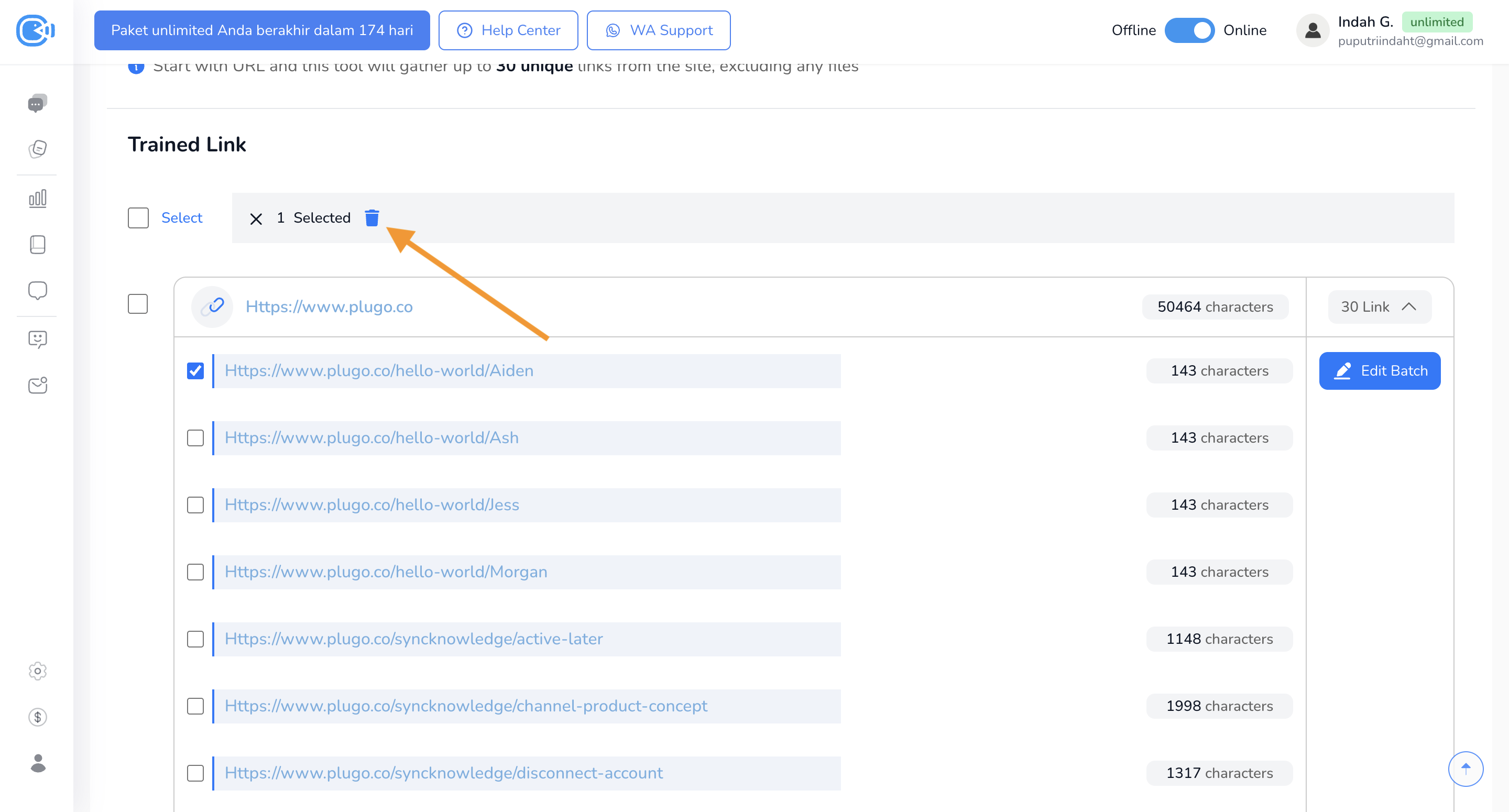
A confirmation pop-up will appear to delete the selected links.