> For the complete documentation index, see [llms.txt](https://docs.cekat.ai/llms.txt). Markdown versions of documentation pages are available by appending `.md` to page URLs; this page is available as [Markdown](https://docs.cekat.ai/en/crm/filter-and-search.md).
# Filter & Search
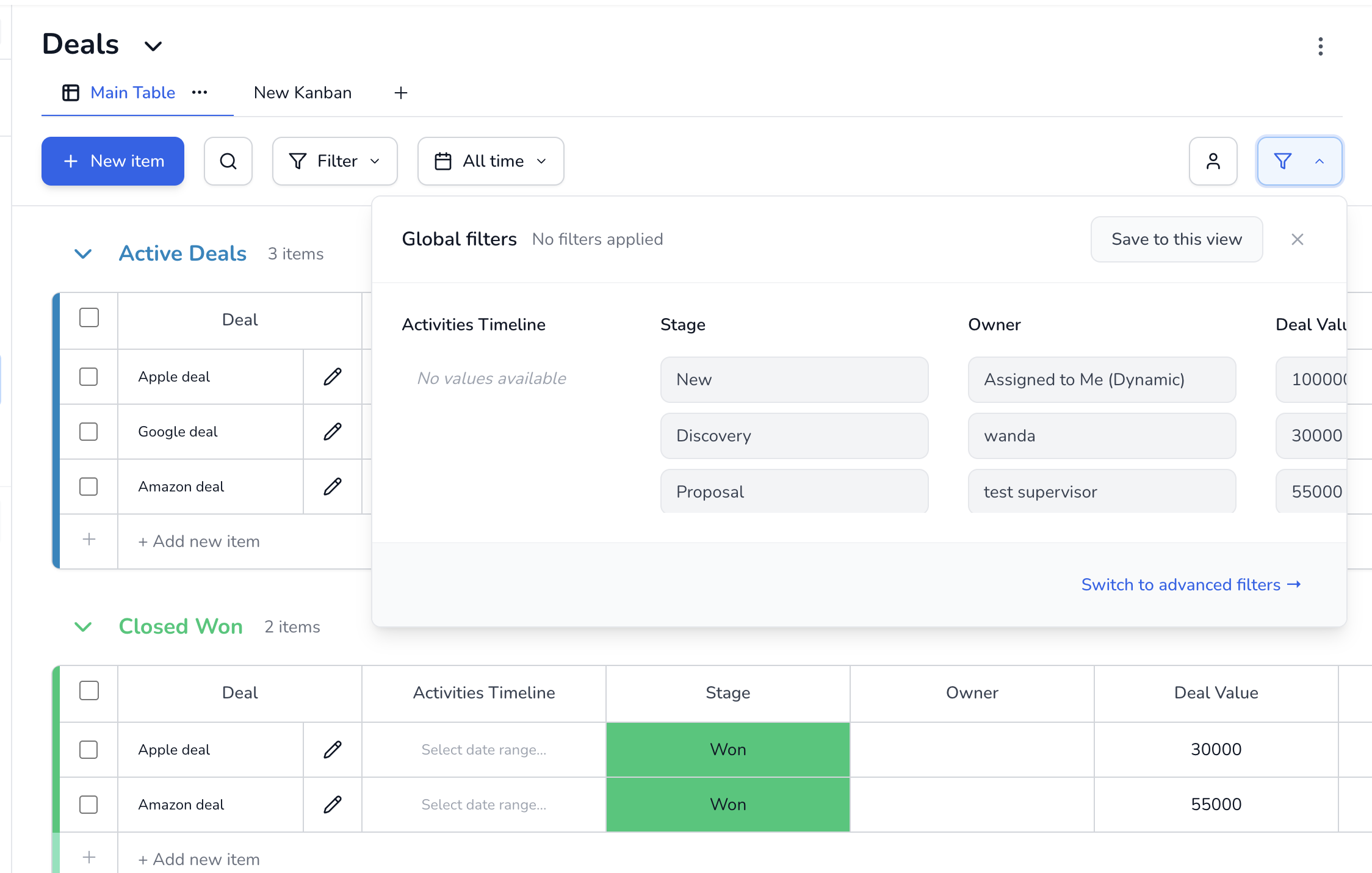
Types of filter
1. **Global Filter**\
Filters data permanently, for every user on the board. Only Super Agents can create this filter.
2. **Global Filter by Agent**\
Filters data by **Deal Owner (Agent)**.
* Choose a specific agent, or use the dynamic **"Assign to me"** filter.
* Each user sees something different, depending on what's assigned to them.
* Only Super Agents can create it.
3. **Basic Filter**\
A personal filter that only the person who created it can see.
* It doesn't affect other users.
* For example: hiding "Closed" deals, showing a particular industry, or filtering by date.
***
#### Search
**Search** sits in the board header and lets you find data quickly.
* It covers every **Text** and **Number** column.
* Search results still follow whichever filters are active, whether **Global Filter** or a basic **Filter**.