> For the complete documentation index, see [llms.txt](https://docs.cekat.ai/llms.txt). Markdown versions of documentation pages are available by appending `.md` to page URLs; this page is available as [Markdown](https://docs.cekat.ai/en/crm/crm-user-settings.md).
# CRM User Settings
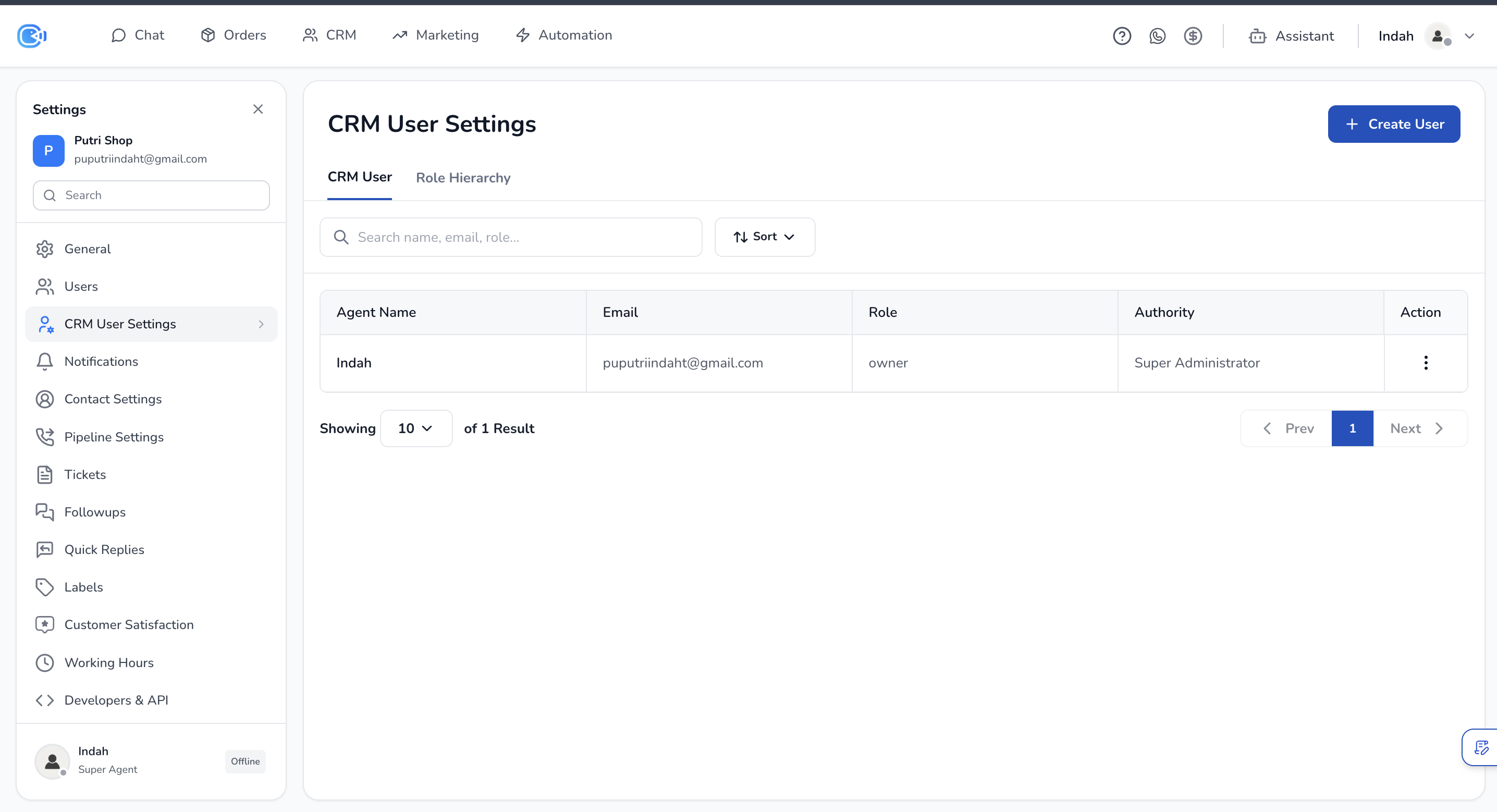
CRM User Settings lets you manage your CRM users and the role hierarchy in your organization. There are two main tabs: **CRM User** and **Role Hierarchy**.
***
### CRM User
This page lists every CRM user along with their email, role and authority.
#### Adding a new user
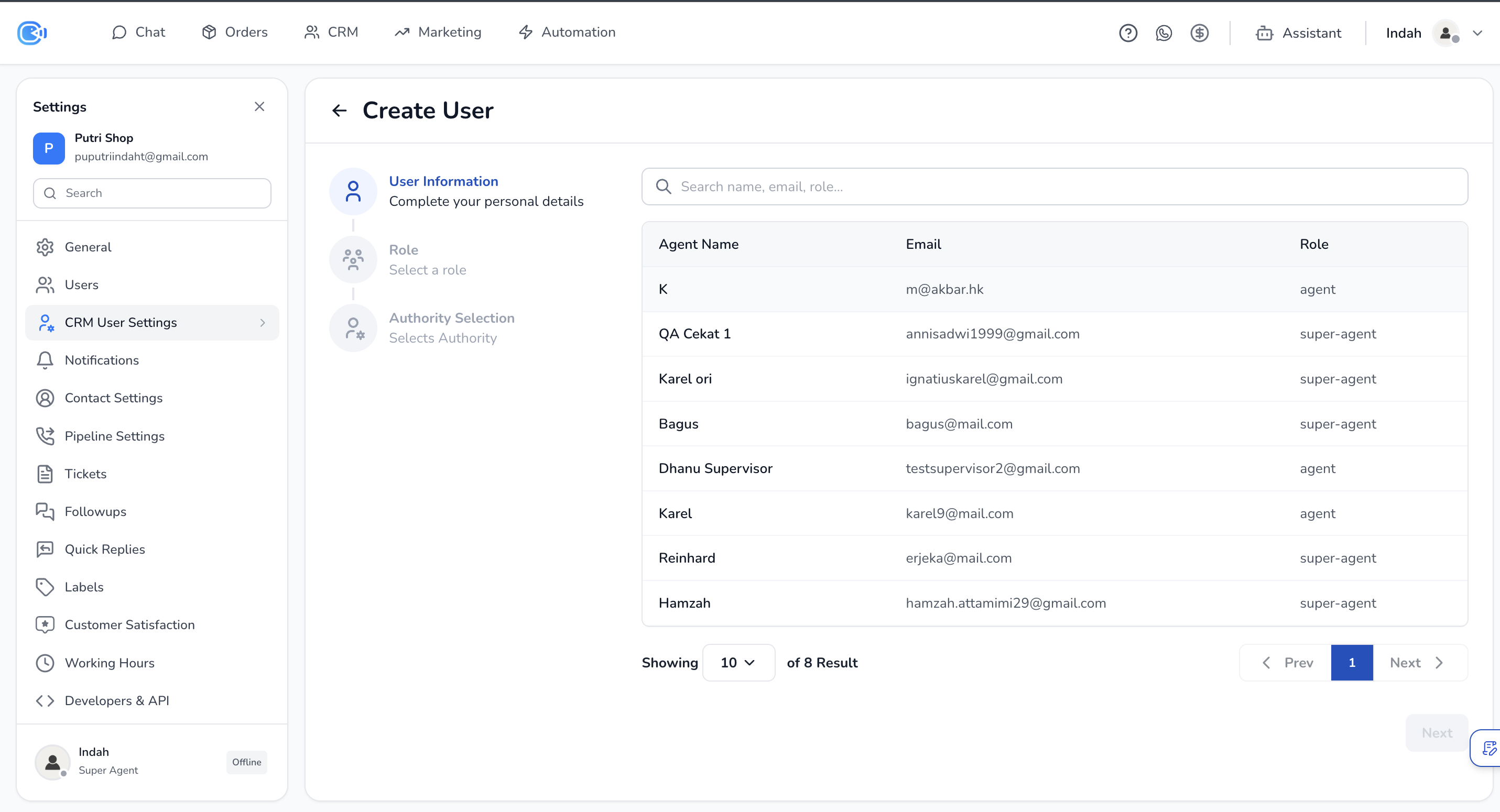
Click **+ Create User** at the top right, then choose one of these options:
1. **Create New User:**
* Enter a name, email and password.
* Choose the right **Role**.
* Choose an **Authority**: Basic or Administrator.
2. **Import from Chat:**
* Choose a user from the list of existing Chat users.
* Choose the right **Role**.
* Choose an **Authority**: Basic or Administrator.
#### Authority types
* **Super Administrator:** given automatically to the first user, or the longest-serving super agent.
* **Administrator:** can edit and view, including boards they don't own.
* **Basic User:** can add views, but can't edit other people's views or create boards.