> For the complete documentation index, see [llms.txt](https://docs.cekat.ai/llms.txt). Markdown versions of documentation pages are available by appending `.md` to page URLs; this page is available as [Markdown](https://docs.cekat.ai/en/crm/board-settings/layouts.md).
# Layouts
#### Layouts
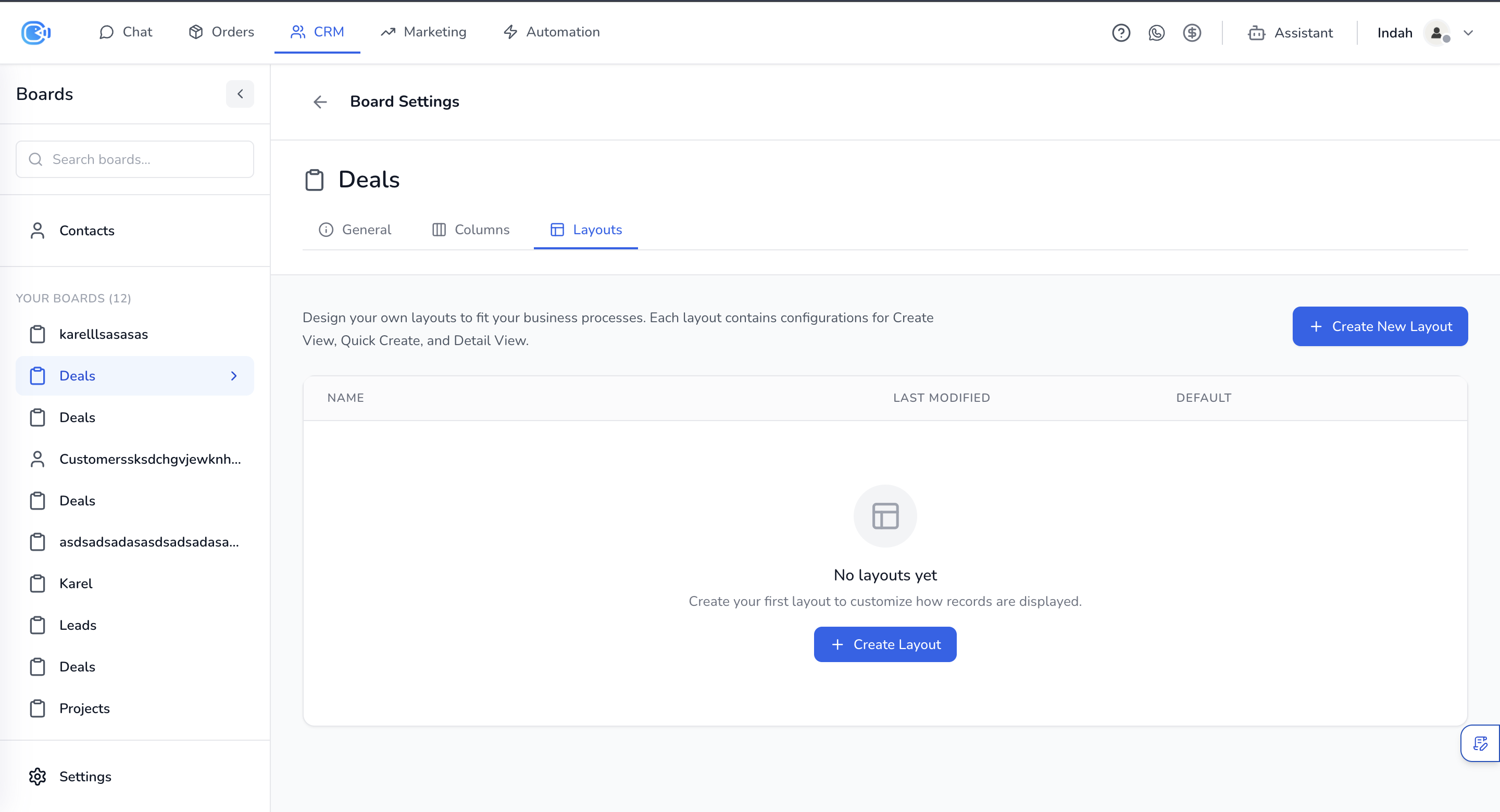
Use the Layouts tab to set up how forms look when you create or view items on the board. Each layout can be set up differently to suit your needs. If you don't create any layouts, every field is shown by default.
#### 1. Creating a new layout
* Click **+ Create New Layout** to create a new layout.
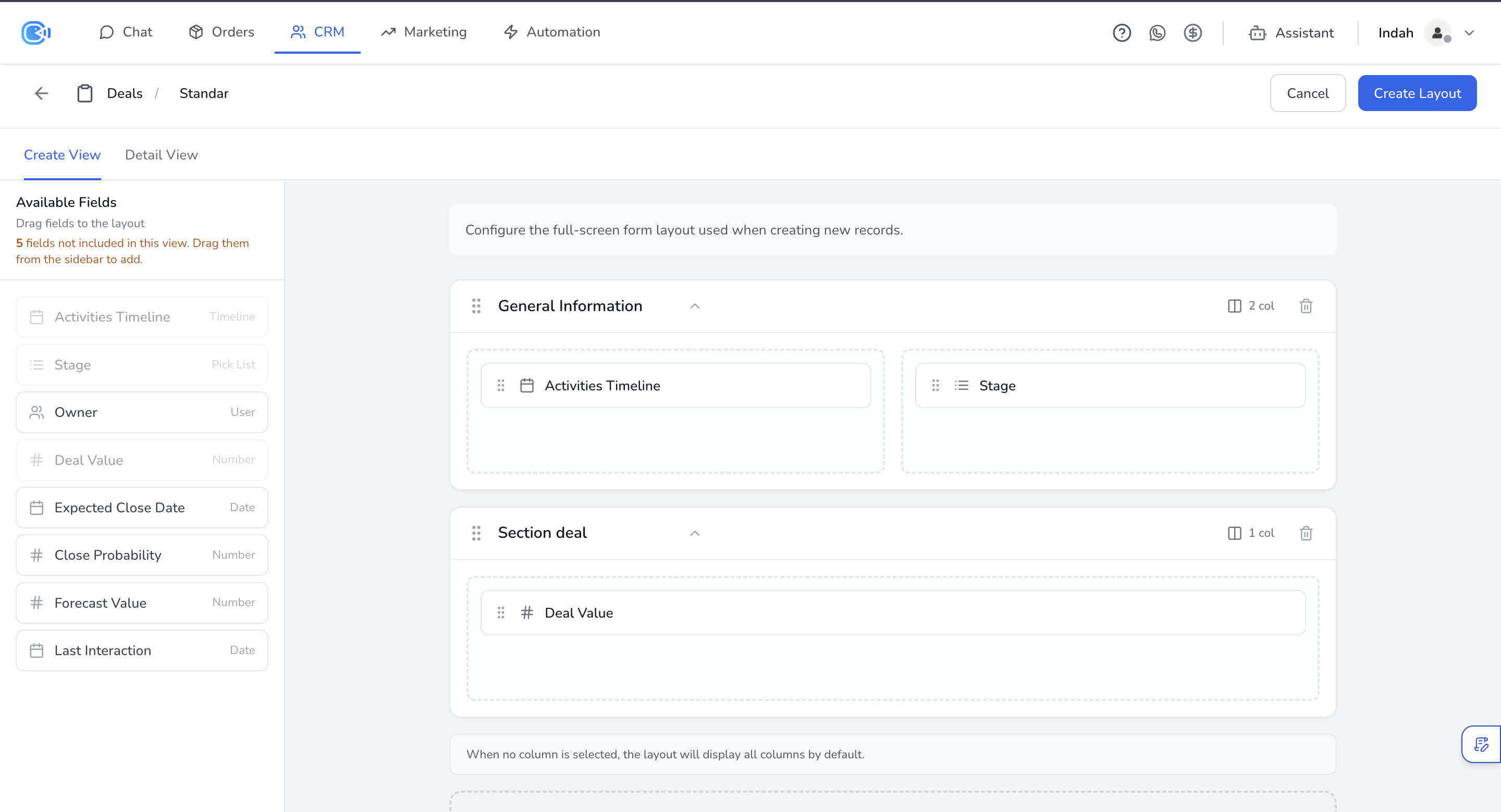
* Each layout has three configuration tabs: **Create View**, **Quick Create** and **Detail View**.
* Drag and drop fields from the **Available Fields** panel on the left into the sections.
* Click **+ Add New Section** to add a new section to the layout.
* You can set how many columns each section has (for example, 2 col).
#### 2. Layout types
* **Create View:** the full-screen form shown when you create a new record.
* **Quick Create:** a compact form for creating records quickly.
* **Detail View:** the form shown when you view a record's details.