> For the complete documentation index, see [llms.txt](https://docs.cekat.ai/llms.txt). Markdown versions of documentation pages are available by appending `.md` to page URLs; this page is available as [Markdown](https://docs.cekat.ai/en/automation-and-developer/webhook-integration.md).
# Webhook Integration
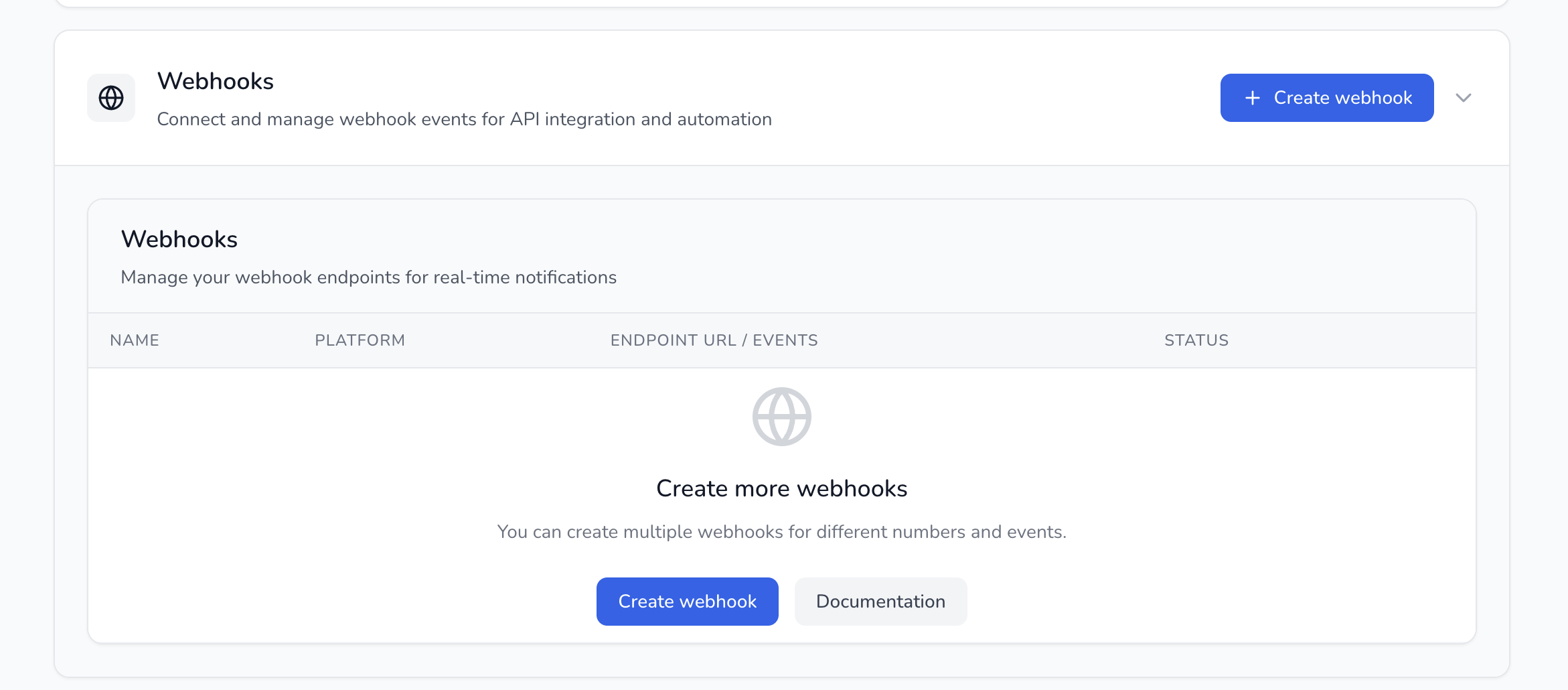
The **Webhook** feature in Cekat AI lets you receive real-time data about user activity on the Cekat platform, such as when a new chat comes in, a conversation is resolved, or another status changes. With webhooks, you can connect Cekat AI to your own internal systems, like your CRM, notification system or company database.
**How to access webhooks**
1. Go to **Setting**
2. Choose **Developer and API Setting**
3. Then click the **Webhooks** tab
**Key features:**
1. **Custom webhook URL**\
Enter your own endpoint URL to receive data from Cekat.
2. **Filter by inbox**\
Choose to have the webhook run only for specific inboxes.\
For example, you might only want the webhook to fire when a new chat comes into the “Cekat AI Official” inbox.
3. **Choose trigger events**\
Some of the triggers you can choose from:
* Conversation Created: when someone new starts a chat
* Conversation Resolved: when a conversation is resolved
* Message Received / Message Sent
* Contact Updated
* and more