> For the complete documentation index, see [llms.txt](https://docs.cekat.ai/llms.txt). Markdown versions of documentation pages are available by appending `.md` to page URLs; this page is available as [Markdown](https://docs.cekat.ai/en/ai-and-platform/ai-agent/knowledge-source/website.md).
# Website
The Website feature lets the AI crawl the links you give it. You can crawl one specific page (*single link*) or several at once (*batch link*). Crawling pulls in the content from those web pages and uses it to train your AI.
### 1. Training from a website
1. Copy and paste the website link
* Paste the URL of the website you want to use into the **Link URL** field.
2. Click Collect Link
* Once you've entered the link, click **Collect Link** to start crawling.
3. Review the collected links
* After you click **Collect Link**, a **Collected Link** pop-up shows the crawl results.
4. Choose the links to train on
* With batch link, the system collects up to **30 links**.
* Tick the links you want to use for training.
5. Add more links (optional)
* To add more, enter another link in the **Link URL** field on the collected links screen.
6. Click Train
* Once you've picked your links, click **Train** to train the AI.
* The pop-up closes, and your trained links appear in the list at the bottom of the page.
### 2. Editing and deleting links
1. Edit a trained link
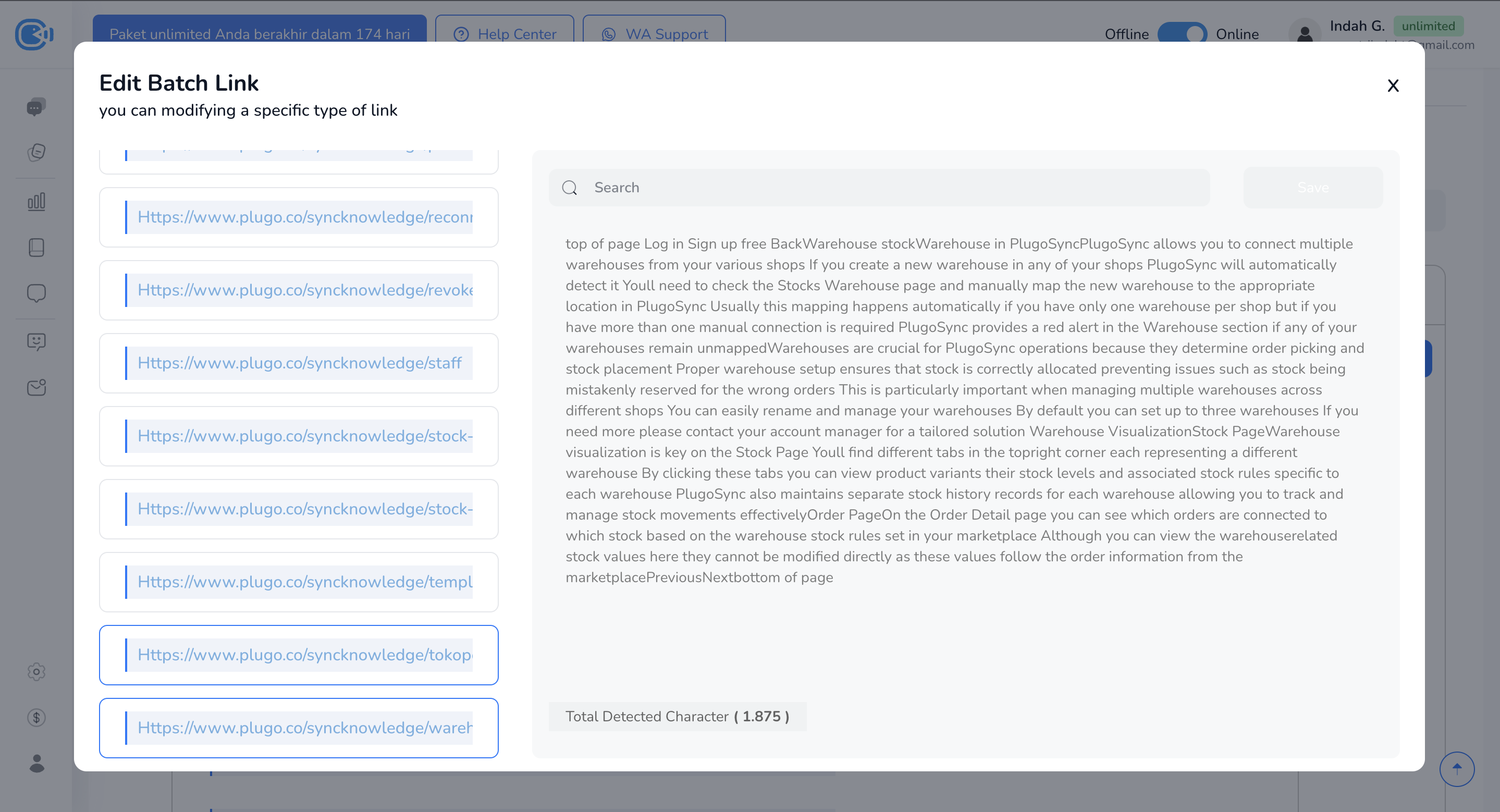
* To edit, click **Edit** to the right of a trained link.
* An edit pop-up opens where you can change that link's content.
2. Delete a trained link
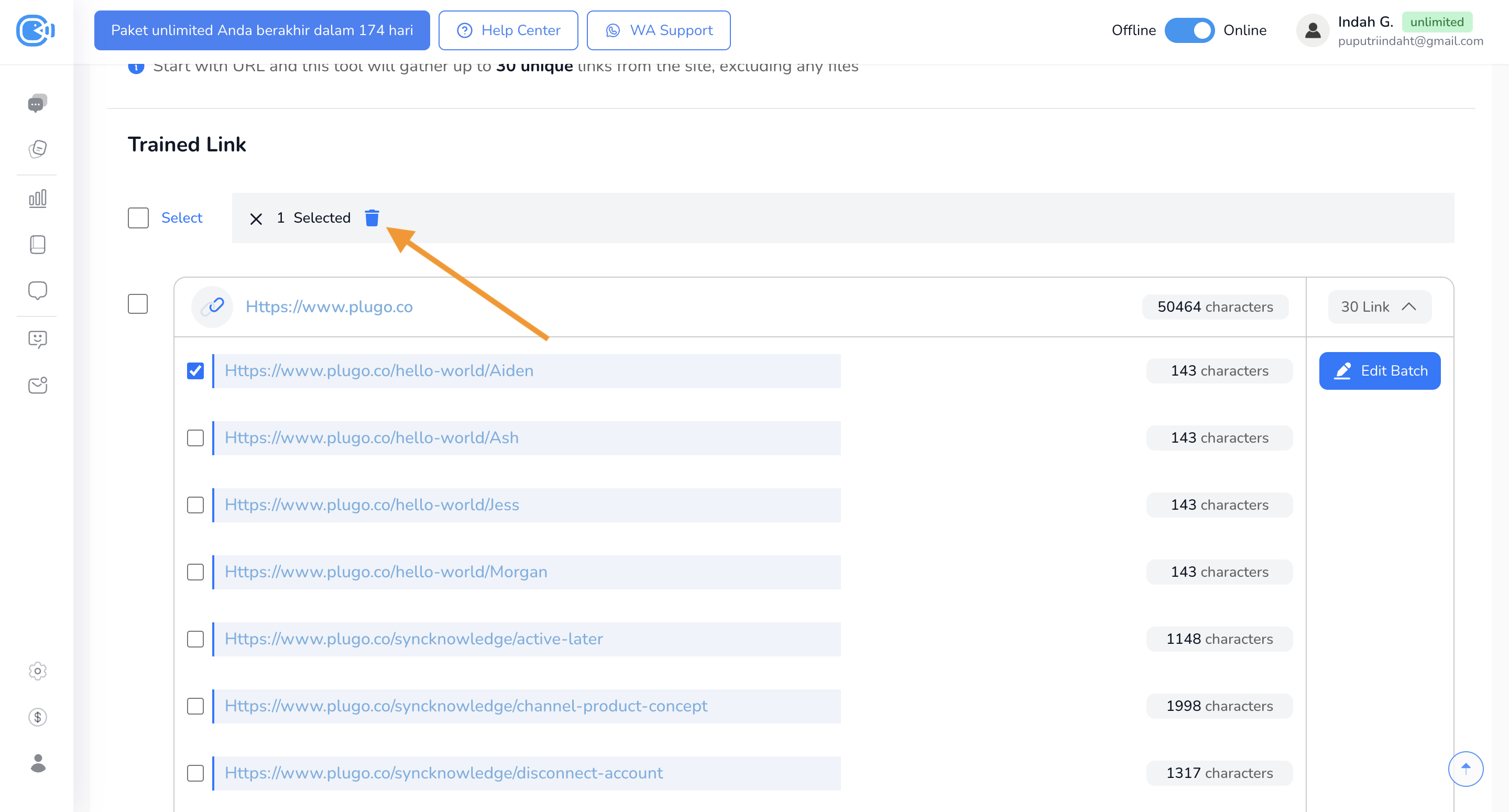
* Tick the links you want to delete.
* Then click the **trash** icon that appears above the list.
* A pop-up will ask you to confirm before the links are deleted.