> For the complete documentation index, see [llms.txt](https://docs.cekat.ai/llms.txt). Markdown versions of documentation pages are available by appending `.md` to page URLs; this page is available as [Markdown](https://docs.cekat.ai/docs/features-and-content-management/webhook-integration.md).
# Webhook Integration
Fitur **Webhook** di Cekat AI memungkinkan kamu untuk menerima data secara real-time dari aktivitas pengguna yang terjadi di platform Cekat, seperti saat ada chat baru masuk, percakapan selesai, atau perubahan status lainnya. Dengan webhook, kamu dapat menghubungkan Cekat AI ke sistem internalmu sendiri—seperti CRM, sistem notifikasi, atau database perusahaan.
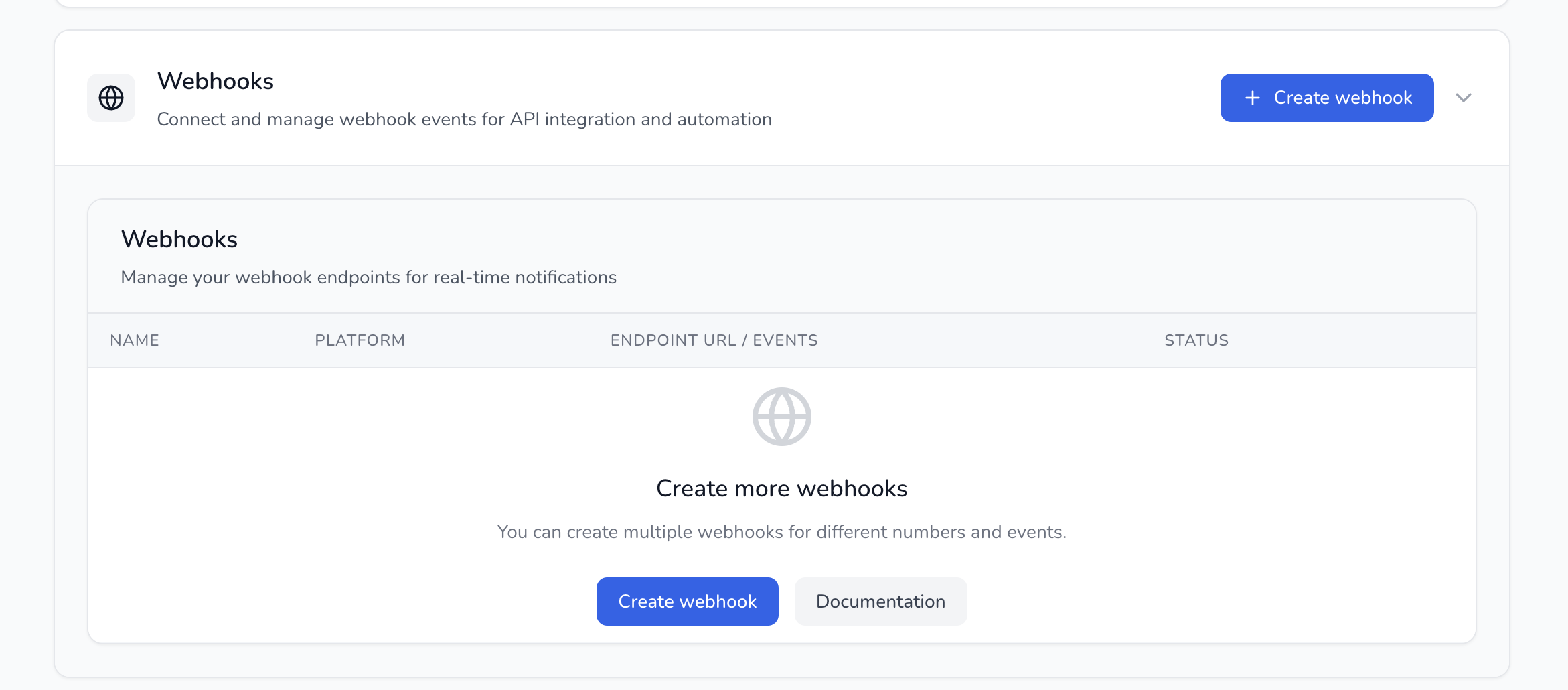
**Cara Akses Webhook**
1. Masuk ke **Setting**
2. Pilih **Developer and API Setting**
3. Lalu klik tab **Webhooks**
**Fitur Utama:**
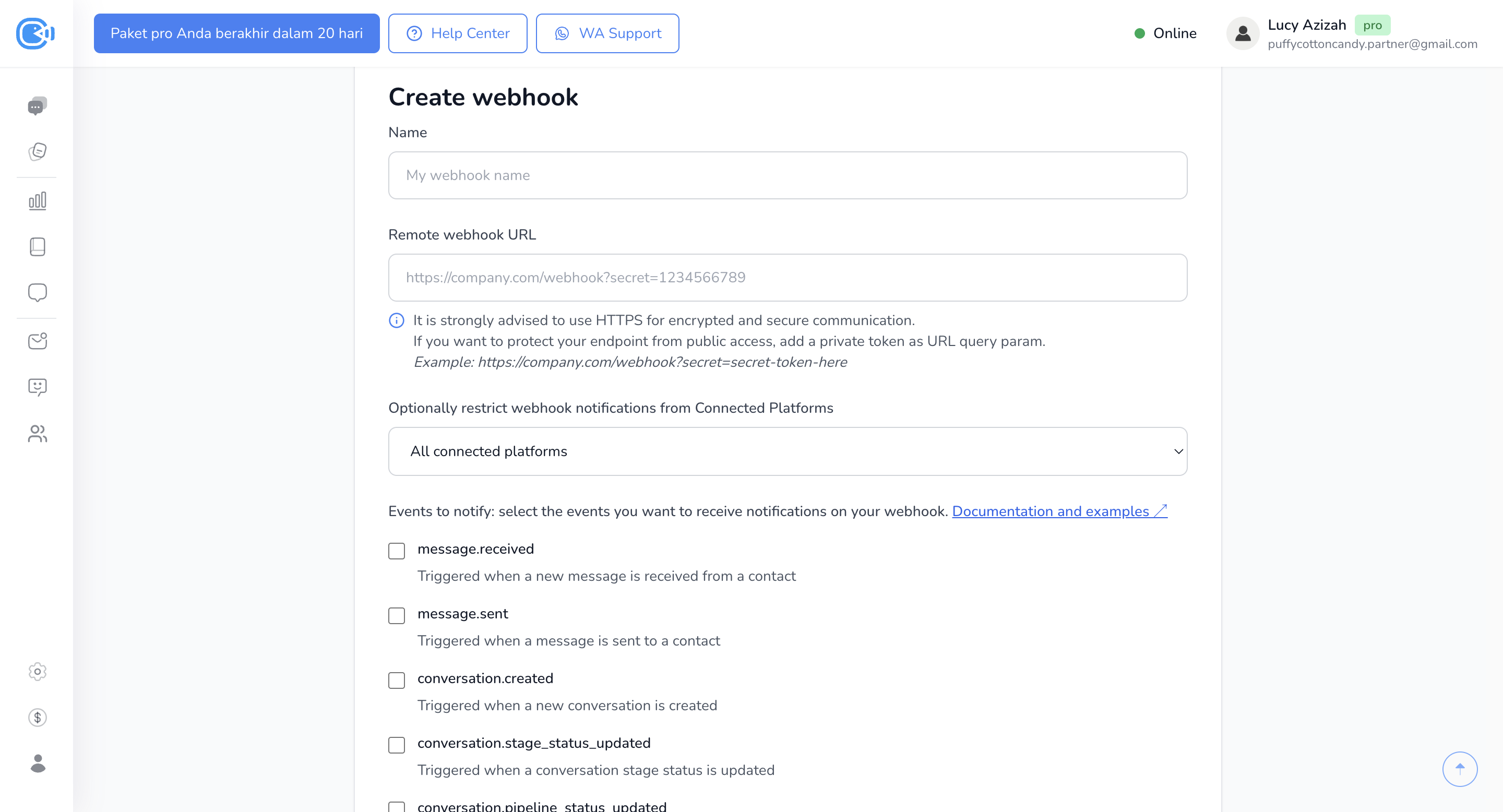
1. **Custom Webhook URL**\
Kamu bisa memasukkan URL endpoint milikmu sendiri untuk menerima data dari Cekat.
2. **Filter Berdasarkan Inbox**\
Kamu bisa memilih webhook hanya aktif untuk inbox tertentu.\
Contoh: Kamu hanya ingin webhook berjalan jika ada chat baru di inbox “Cekat AI Official”.
3. **Pilih Trigger Event**\
Beberapa contoh trigger yang bisa dipilih:
* Conversation Created → ketika ada orang baru yang ngechat
* Conversation Resolved → ketika percakapan diselesaikan
* Message Received / Message Sent
* Contact updated,
* dan lainnya