> For the complete documentation index, see [llms.txt](https://docs.cekat.ai/llms.txt). Markdown versions of documentation pages are available by appending `.md` to page URLs; this page is available as [Markdown](https://docs.cekat.ai/docs/ai-and-platform/connected-platforms/whatsapp-inbox-existing-number/coexistence-common-issues-and-solutions.md).
# Coexistence – Common Issues & Solutions
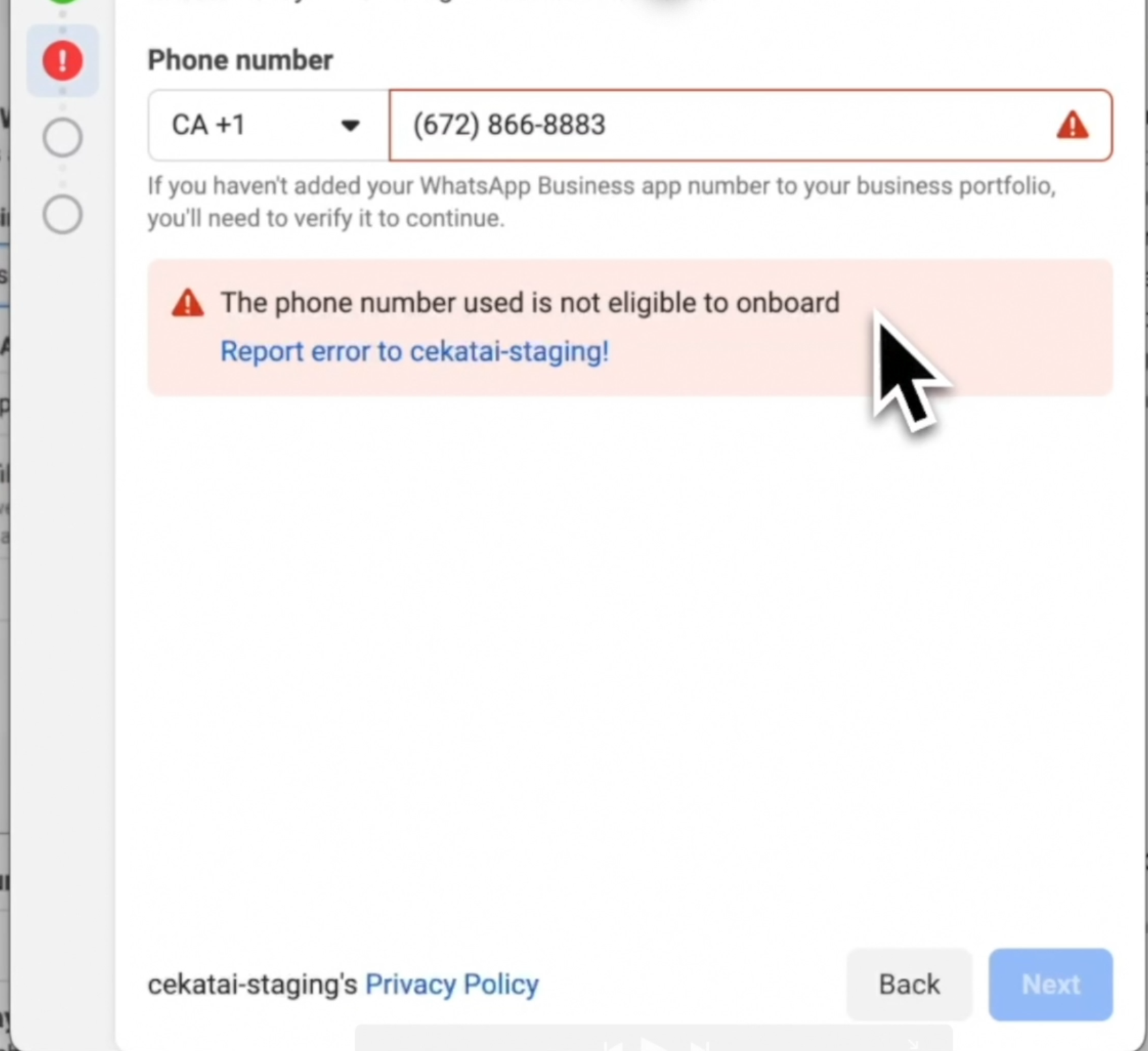
### 1. Error Case: Phone Number Not Eligible to Onboard
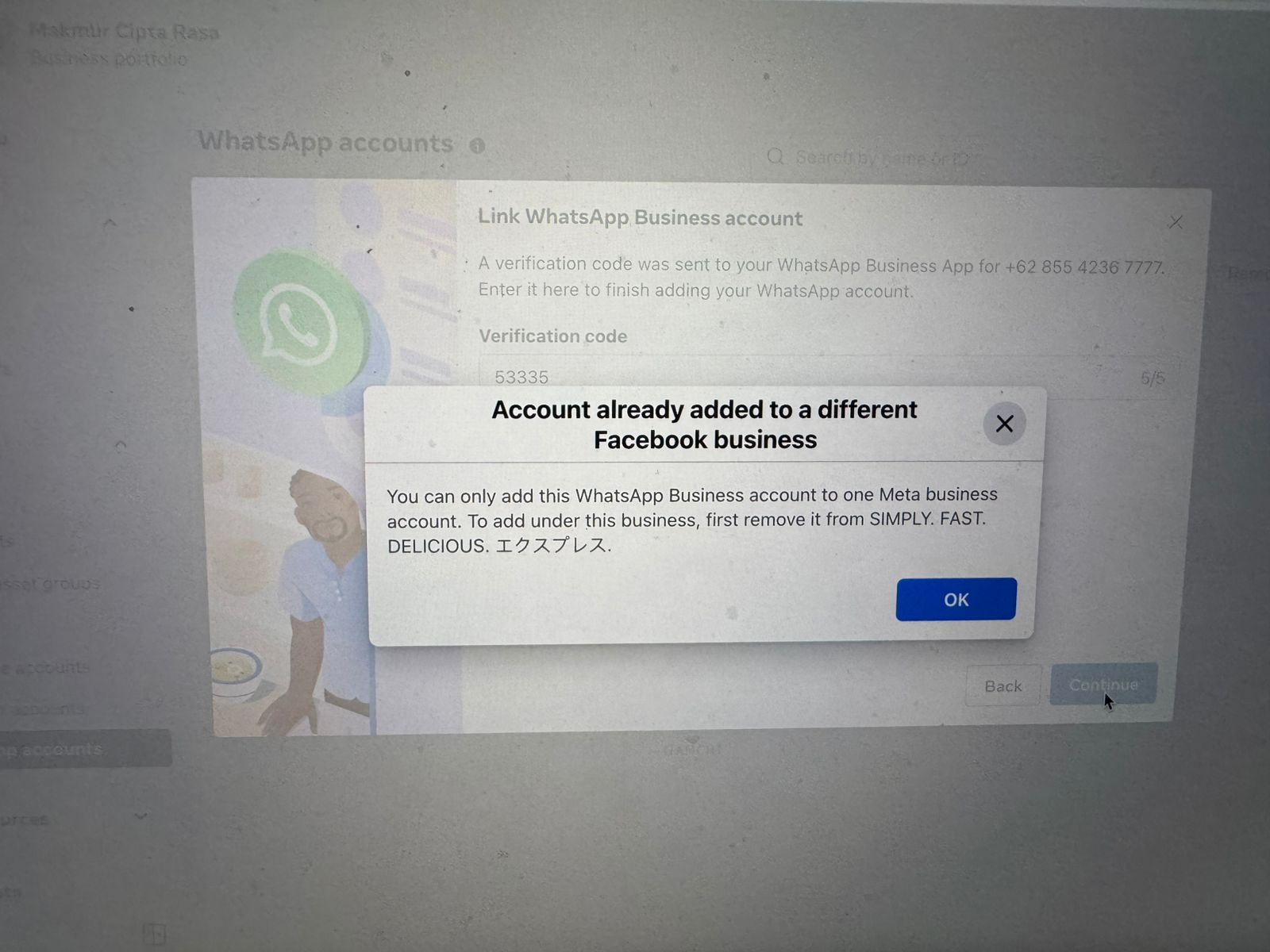
### Kemungkinan 1: Akun sudah terhubung ke halaman Facebook Business
**1. Buka Business Facebook**
* Buka [business.facebook.com](https://business.facebook.com).
**2. Masuk ke Business Portfolio**
* Pilih "Cekat AI" lalu masuk ke bagian "Settings."
**3. Cek WhatsApp Account**
* Masuk ke bagian "WhatsApp Account."
* Jika tombol titik tiga untuk "Disconnect" tidak bisa diklik karena masih terhubung ke partner, lanjutkan ke langkah berikut.
**4. Hapus Koneksi dari Partner**
* Masuk ke bagian "Partner," lalu klik "Manage."
* Pilih "Remove Account."
* Pilih "Remove from Business Portfolio."
**5. Reconnect ke Cekat**
* Setelah itu, coba lakukan re-connect ke Cekat lagi.
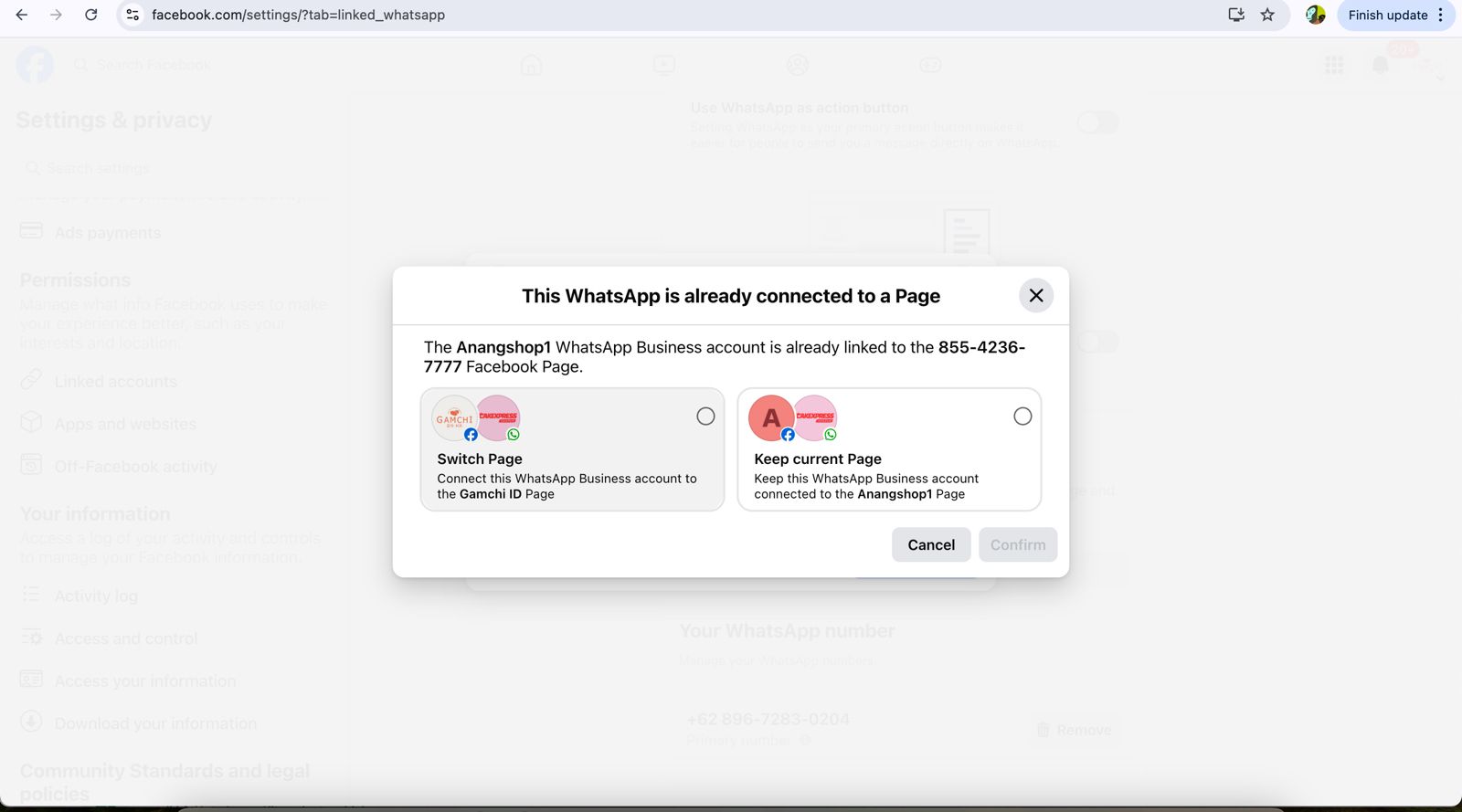
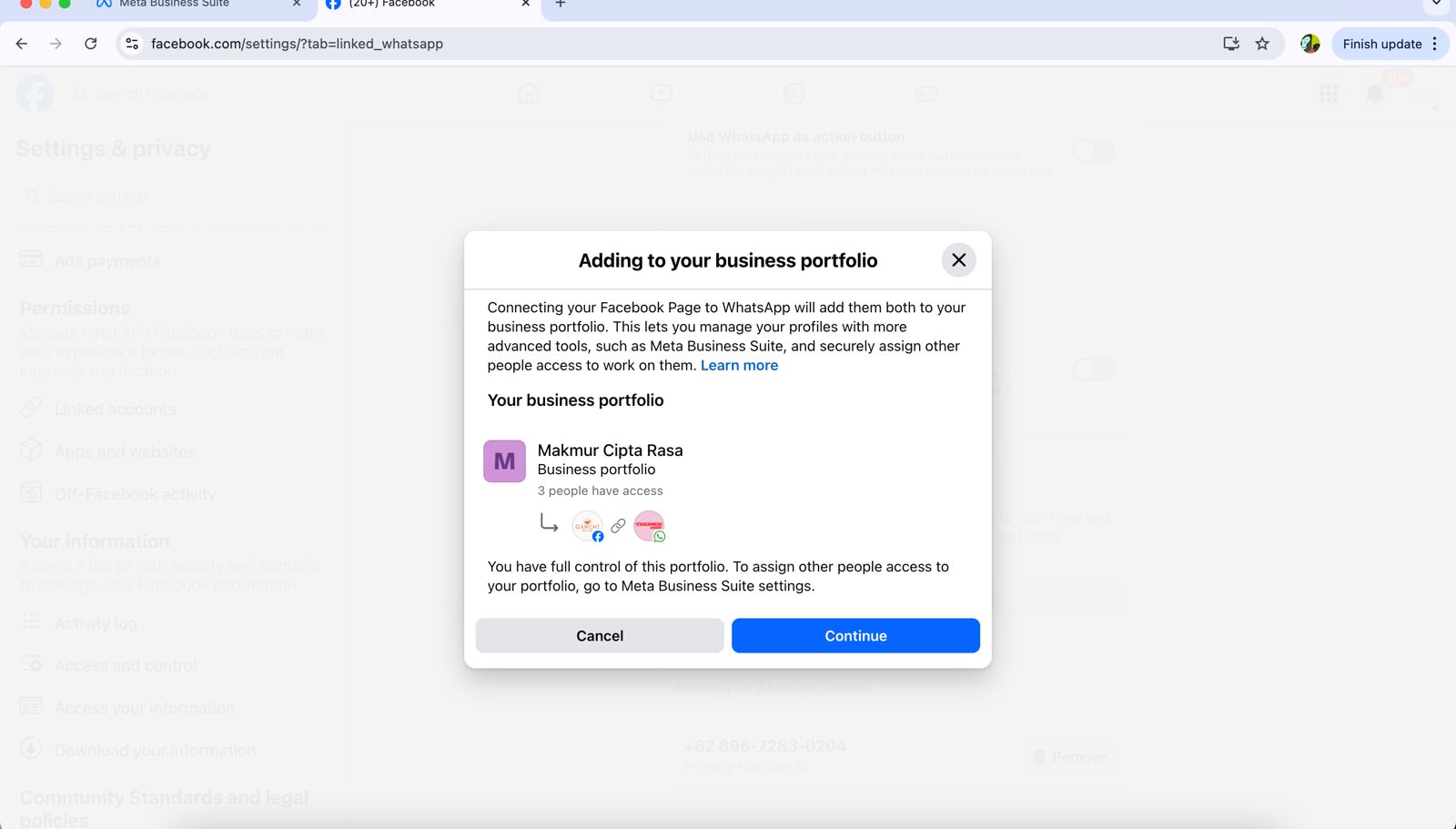
### Kemungkinan 2: Akun sudah terhubung ke Facebook Page
**1. Buka Facebook Page**
* Buka halaman Facebook Page Anda, lalu masuk ke "Settings."
* Atau langsung ke [tautan ini](https://www.facebook.com/settings/?tab=linked_profiles).
**2. Periksa Koneksi WhatsApp**
* Pilih "WhatsApp."
* Jika ada "Connection Request Pending," klik tombol "Request Cancel."
**3. Hapus Nomor WhatsApp**
* Masukkan nomor telepon dan verifikasi ulang dengan OTP.
* Di bagian bawah "Your WhatsApp Number," klik tombol "Remove."
**4. Reconnect ke Cekat**
* Setelah itu, bisa dicoba ulang proses menghubungkan akun whatsapp business kamu ke Cekat lagi.
### **Solusi Alternatif:**
Karena ini adalah fitur baru milik Meta, belum ada detail lebih lanjut mengenai jenis nomor yang tidak memenuhi syarat untuk menggunakan WhatsApp Coexistence. Gunakan nomor WhatsApp Business lain yang Anda miliki.
***
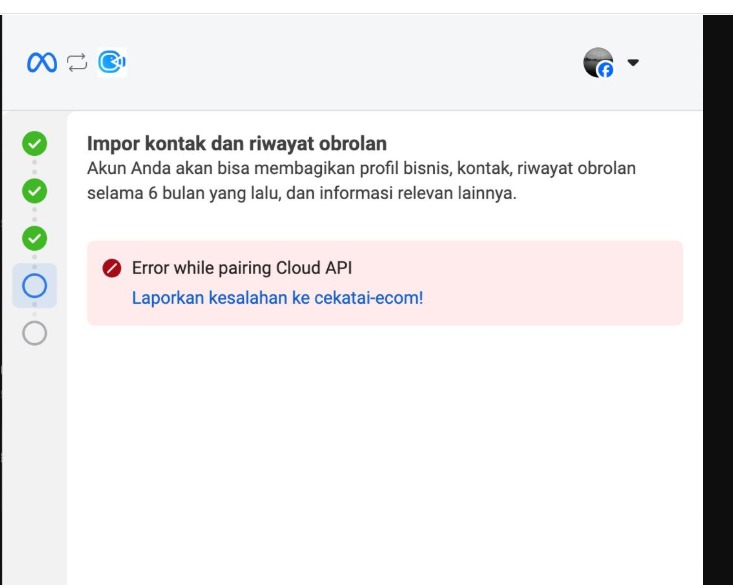
### 2. Error while pairing Cloud API
**Pesan Error:**\
`Error while pairing Cloud API`
**Solusi:**\
Untuk mengatasi masalah ini:
* **Hapus aplikasi WhatsApp Business** di perangkat kamu
* **Pastikan data sudah dibackup terlebih dahulu**
* **Install ulang WhatsApp Business** lalu coba kembali proses pairing
***
### 3. Error: WhatsApp Business Account Already Connected to Another Business
**Solution:**
Add the WhatsApp number to your Facebook Page:
* Go to **Facebook Page → Settings → Linked Accounts**.
* Connect the WhatsApp number to your page.