> For the complete documentation index, see [llms.txt](https://docs.cekat.ai/llms.txt). Markdown versions of documentation pages are available by appending `.md` to page URLs; this page is available as [Markdown](https://docs.cekat.ai/crm/filter-and-search.md).
# Filter & Search
Jenis Filter
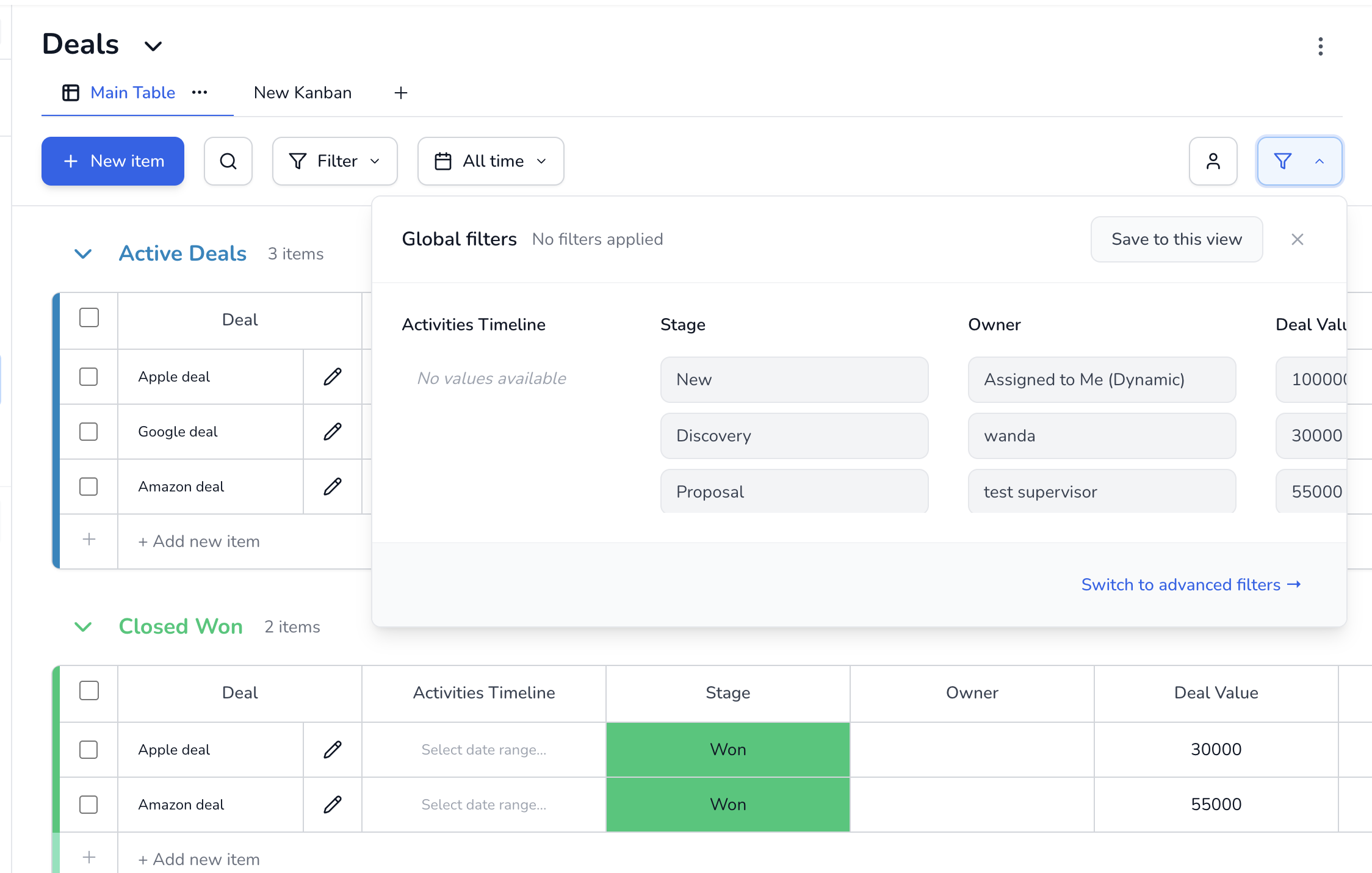
1. **Global Filter**\
Digunakan untuk menyaring data secara permanen dan berlaku untuk semua user di board. Hanya Super Agent yang bisa membuat filter ini.
2. **Global Filter by Agent**\
Menyaring data berdasarkan **Deal Owner (Agent)**.
* Dapat memilih agent tertentu atau menggunakan dynamic filter **“Assign to me”**
* Tampilan akan berbeda untuk tiap user, tergantung pada assignment-nya
* Hanya bisa dibuat oleh Super Agent
3. **Basic Filter**\
Filter personal yang hanya terlihat oleh user yang membuatnya.
* Tidak memengaruhi user lain
* Contoh: menyembunyikan deal “Closed”, menampilkan industry tertentu, atau memfilter berdasarkan tanggal
***
#### Search
**Search** tersedia di header board dan digunakan untuk mencari data secara cepat.
* Mencakup semua kolom dengan tipe **Text** dan **Number**
* Hasil pencarian akan tetap mengikuti filter yang sedang aktif, baik **Global Filter** maupun basic **Filter**